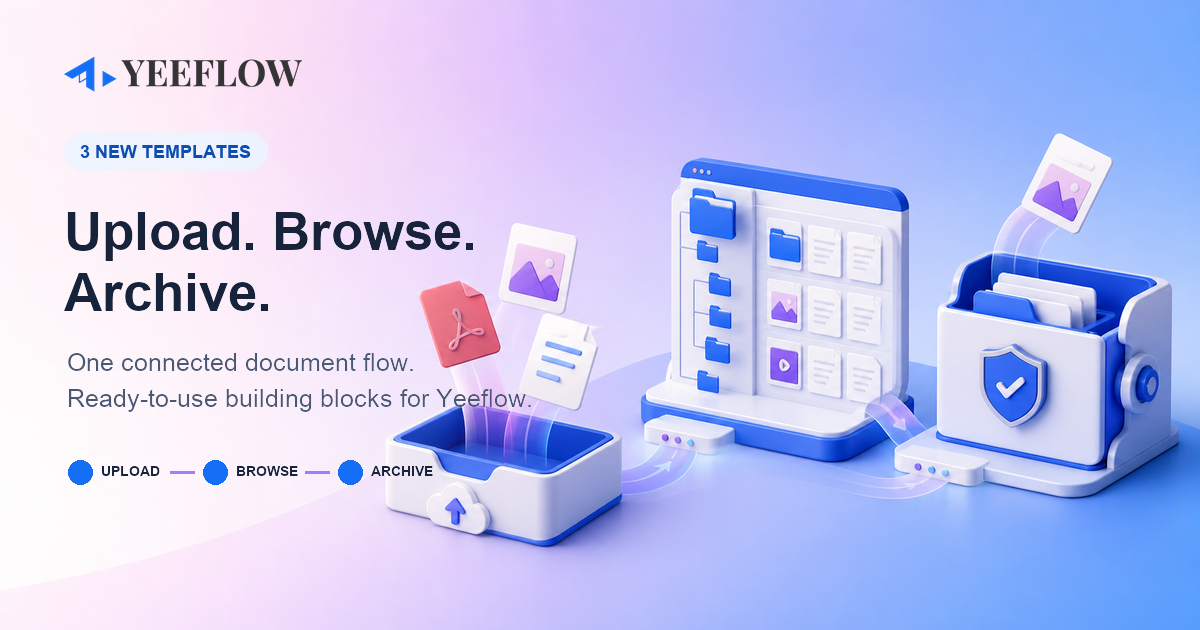
Most document processes do not slow down because files are difficult to store. They slow down because the handoffs between collecting, finding, and governing those files are fragmented.
Today, we are releasing three ready-to-use Yeeflow templates that connect those handoffs into one practical file-to-SharePoint journey.
Use one template to solve a focused need, or combine all three to create a smoother path from document intake to controlled archiving.
One connected journey. Three reusable building blocks.
The new templates cover three moments that appear in procurement, finance, HR, legal, project delivery, customer service, and many other document-heavy processes:
- Capture files in Yeeflow with a modern drag-and-drop experience.
- Browse the right SharePoint library or folder without leaving the business context.
- Archive approved files to SharePoint with explicit folder and duplicate-name rules.
1. Make file collection feel effortless
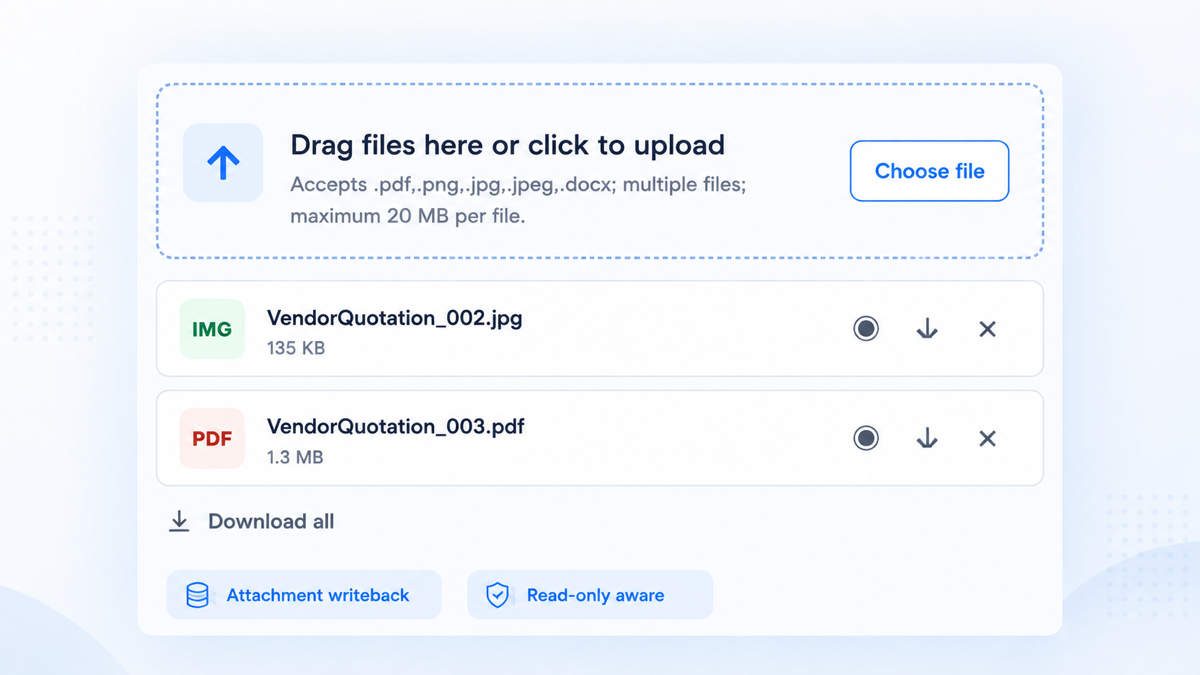
Drag & Drop Attachment Uploader adds a clear, responsive upload experience to Yeeflow forms. Users can drag files into the control or choose them from their device, while builders control file types, size limits, file counts, and layout density.
- Support single-document and multi-file submission scenarios.
- Write uploaded file metadata directly to a bound Attachment variable.
- Preview supported files, download individual files, or package multiple files into a ZIP.
Explore the Drag & Drop Attachment Uploader template →
2. Bring SharePoint documents into the flow
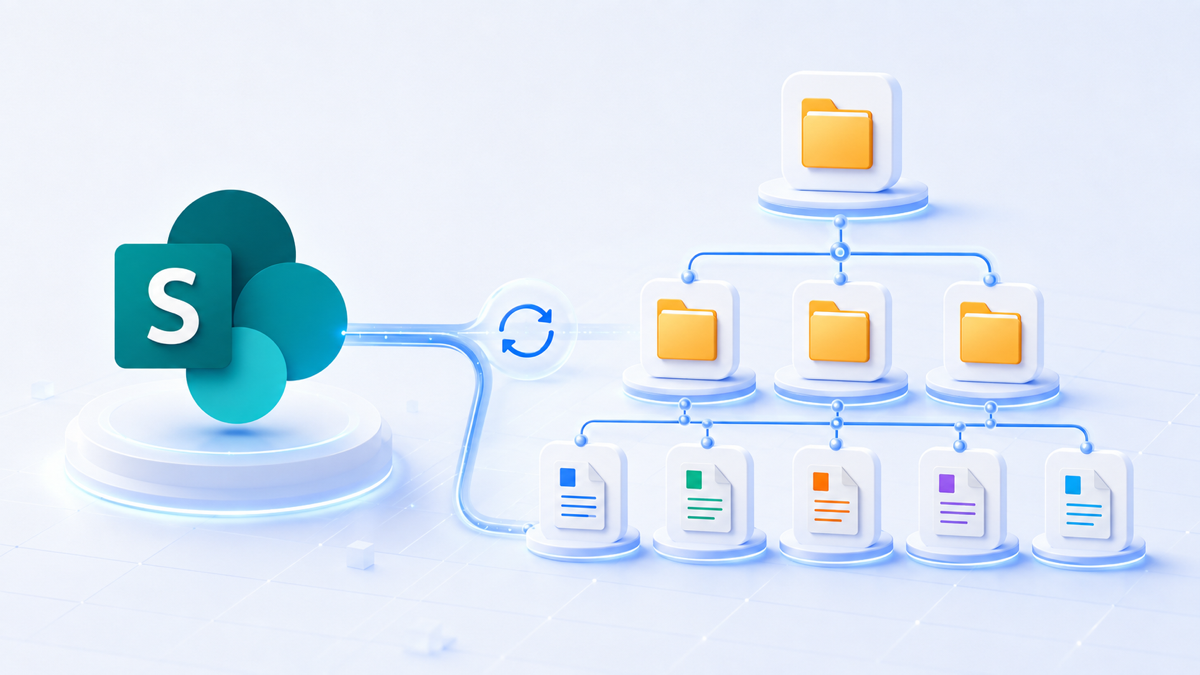
SharePoint Document Library Browser gives users a clean, expandable, read-only view of SharePoint folders and files inside a Yeeflow page or form. Builders can start at the library root or focus the experience on a configured folder path.
- Connect through a configured Microsoft Graph / SharePoint OAuth HTTP Connection.
- Expand nested folders on demand and follow Graph pagination for complete listings.
- Open documents in SharePoint while SharePoint permissions continue to apply.
Explore the SharePoint Document Library Browser template →
3. Archive every file with a clear rule
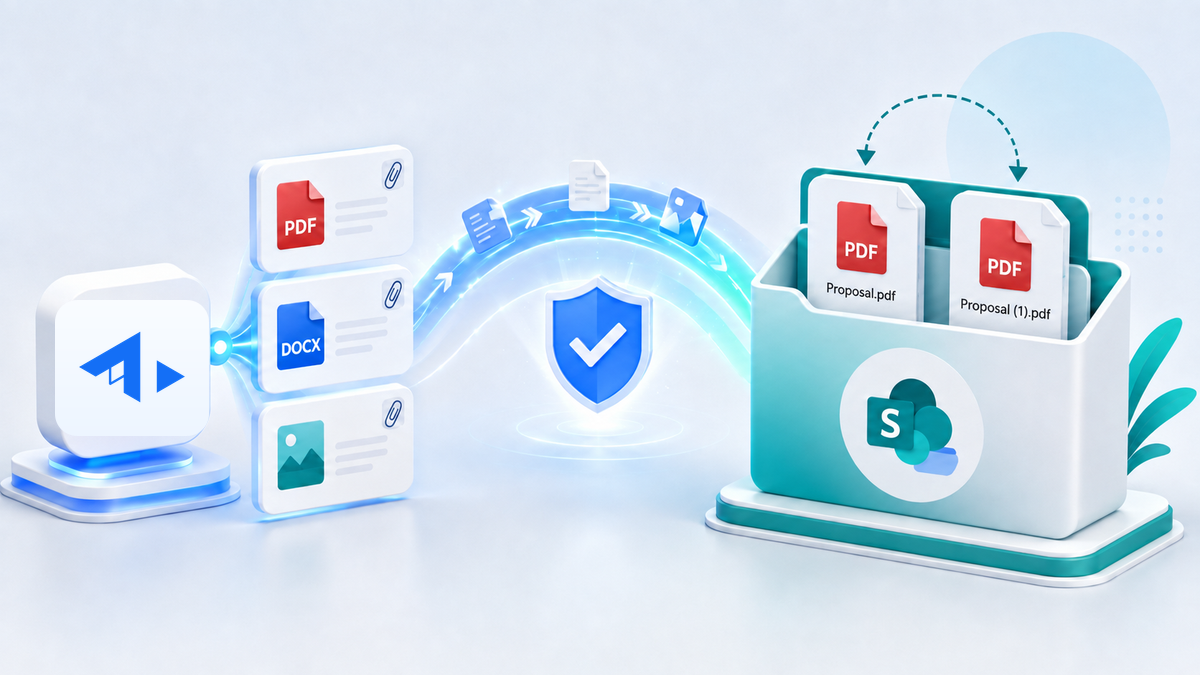
Archive Yeeflow Files to SharePoint is a reusable Custom Service that moves files from a Yeeflow File or Attachment variable into a SharePoint document library. It can use the library root, create a nested folder path, and apply an explicit policy when a file with the same name already exists.
- Create missing folder levels automatically.
- Choose fail, replace, rename, or skip for duplicate file names.
- Return archive URLs, aggregate counts, and sanitized per-file results for downstream steps.
Explore the Archive Yeeflow Files to SharePoint template →
Better together: a practical workflow pattern
Imagine a vendor quotation process:
- A supplier or employee uploads quotations and supporting evidence through the drag-and-drop control.
- Reviewers browse the relevant SharePoint sales, procurement, or project folder from the Yeeflow form.
- After approval, the workflow calls the archive service to store the final files in the correct SharePoint folder.
- The process records the returned URLs and results, creating a clearer handoff between the workflow record and the governed document location.
The same pattern can support contracts, invoices, employee documents, audit evidence, customer files, project deliverables, and other processes where documents must move through a controlled business journey.
Built to adapt—not lock you in
Each template is a reusable starting point. Builders can configure variables, file rules, SharePoint connections, site and library targets, folder paths, and conflict behavior for the needs of each application.
Before production rollout, validate the target tenant’s Connection permissions, supported form placement, browser behavior, workflow round trip, and information-governance requirements. The two Custom Code templates are currently published as Preview templates; the archive Custom Service is published as Launchable following runtime validation.
Start with one template—or connect all three
These templates are available now in the Yeeflow Template Library. Open a template page to review capabilities, configuration guidance, dependencies, testing recommendations, and downloadable source or service files.
Browse all Yeeflow templates →
Know a team still moving files manually between forms and SharePoint? Share this update with them.