Approve and act from anywhere
Give users quick access to tasks, approvals, requests, and follow-up actions from their mobile devices.

Mobile execution surface
Access Yeeflow applications on mobile devices with configurable navigation, mobile-only messages, task actions, notifications, and workflow execution designed for business teams on the move.



Mobile workflows
Yeeflow mobile access extends applications, approvals, task actions, and operational follow-up into the moments where teams need to respond quickly.
Give users quick access to tasks, approvals, requests, and follow-up actions from their mobile devices.
Support operational work outside the office with mobile forms, notifications, and application access.
For Microsoft Teams users, Yeeflow can fit into the same mobile collaboration surface teams already use.
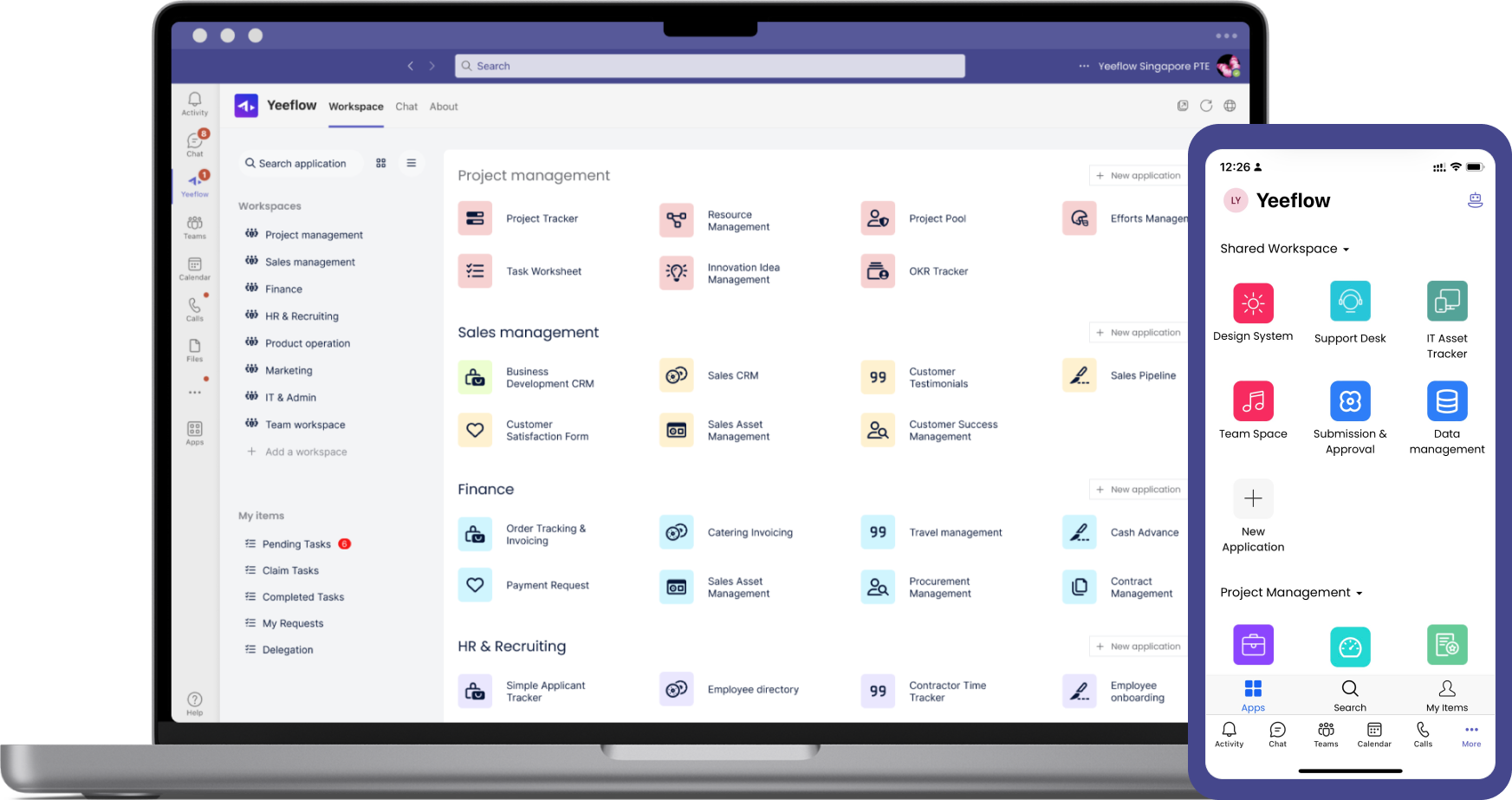
Microsoft Teams mobile
Ideal for users who already integrate Teams into their daily work routine, this option provides a streamlined, efficient, and consistent Yeeflow experience. Download Microsoft Teams from your iOS or Android store, add Yeeflow to your Teams environment, and keep work moving on mobile.
Learn Microsoft Teams IntegrationsFrequently asked questions
Yes, you can install Yeeflow mobile apps on your iPad for easy access to your business applications and data while on the go.
No, the Yeeflow mobile apps are primarily designed for accessing and interacting with existing applications created on the Yeeflow platform. To build custom applications, use the Yeeflow web platform, which offers a comprehensive application creation environment.