Overview
What this template helps teams build
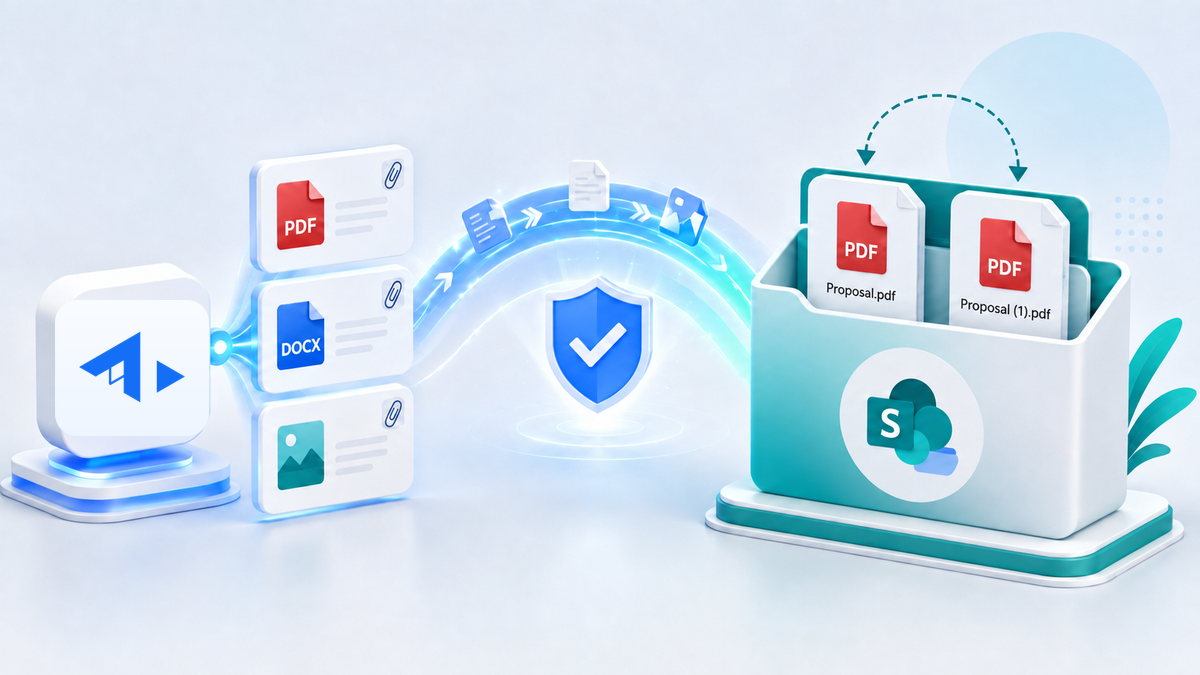
Archive one or multiple files from a Yeeflow File or Attachment variable into SharePoint Online. The service can write to the document-library root or a dynamically selected nested folder, while applying an explicit policy whenever the destination already contains the same file name.
Key capabilities
- Accepts one or multiple files from a Yeeflow File or Attachment variable.
- Uploads to the document-library root when folderPath is empty.
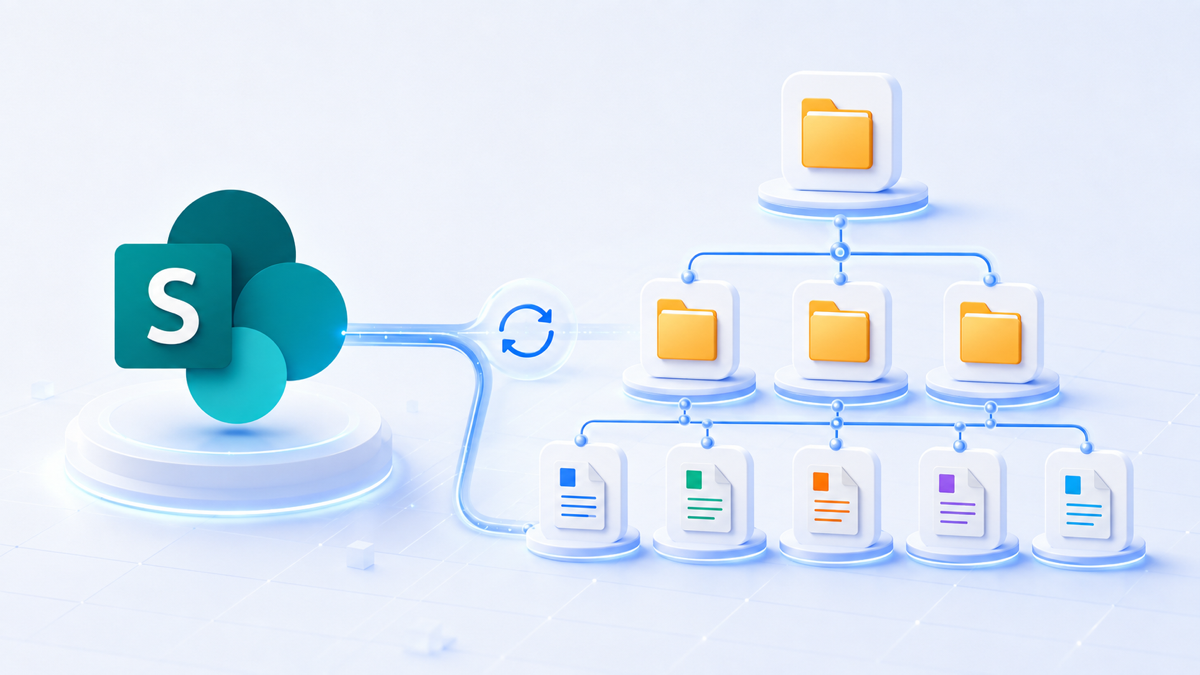
- Resolves or recursively creates nested folders when folderPath is provided.
- Selects a document library by display name or Microsoft Graph drive ID.
- Supports fail, replace, rename, and skip file-name conflict policies.
- Uses SharePoint automatic renaming to keep both files, such as Proposal.pdf and Proposal (1).pdf.
- Continues processing remaining files after a per-file failure and returns sanitized results.
Conflict behavior
- fail — Reject the incoming file when the destination already contains the same name. The file is recorded as failed and the remaining files continue.
- replace — Replace the existing same-name file according to Microsoft Graph and the target library's SharePoint versioning behavior.
- rename — Keep both files by asking SharePoint to assign the incoming file a unique name automatically.
- skip — Leave the existing SharePoint item unchanged and record the incoming file as skipped rather than failed.
If conflictBehavior is empty, the service defaults to fail to prevent accidental replacement.
Recommended use cases
Archive approved quotations, contracts, invoices, generated documents, workflow evidence, submission attachments, customer files, supplier records, project deliverables, or audit workpapers into a governed SharePoint library.
How it works
The service validates the Connection and parameters, resolves the SharePoint site through Microsoft Graph, enumerates document libraries to match the requested name or drive ID, then uses the library root or resolves and creates each folder level. It reads each Yeeflow file with the Yeeflow SDK and performs a Microsoft Graph simple upload with the selected conflict policy.
Configuration steps
- Import the YCS file as a Yeeflow Custom Service.
- Bind sharePointConnection to a Microsoft Graph / SharePoint OAuth HTTP Connection.
- Map the five inputs from the calling form action, workflow, AI Agent, Copilot, or automation.
- Map the required outputs to workflow or temporary variables.
- Start with fail during controlled testing; select rename when every incoming file must be retained.
- Validate archiveResultsJson and the returned SharePoint folder URL before downstream processing.
Security and governance
Authentication is supplied only through a managed Yeeflow Connection; no token or secret is stored in the template. Apply least privilege, restrict who may configure dynamic destinations, and enforce the organization's retention, residency, DLP, malware scanning, and external-sharing policies because file content leaves Yeeflow and is written to SharePoint.
Limits and error handling
The service uses Microsoft Graph simple upload and rejects declared files larger than 250 MB. Invalid destinations and per-file Graph or Yeeflow SDK errors are sanitized before being written to archiveResultsJson. A failed file does not roll back earlier successful files.
Validation status
The user has confirmed functional operation in the intended Yeeflow and SharePoint scenario. The exported package also passes the Yeeflow YCS validator, TypeScript compilation, and focused simulations for fail, replace, rename, and skip. Connection permissions and SharePoint governance remain environment-specific deployment responsibilities.
Download
Custom service package
Import this YCS file into Yeeflow to reuse the backend service logic, then configure workflow, AI Agent, Copilot, or automation callers around your own data source and permissions.