Hi there,
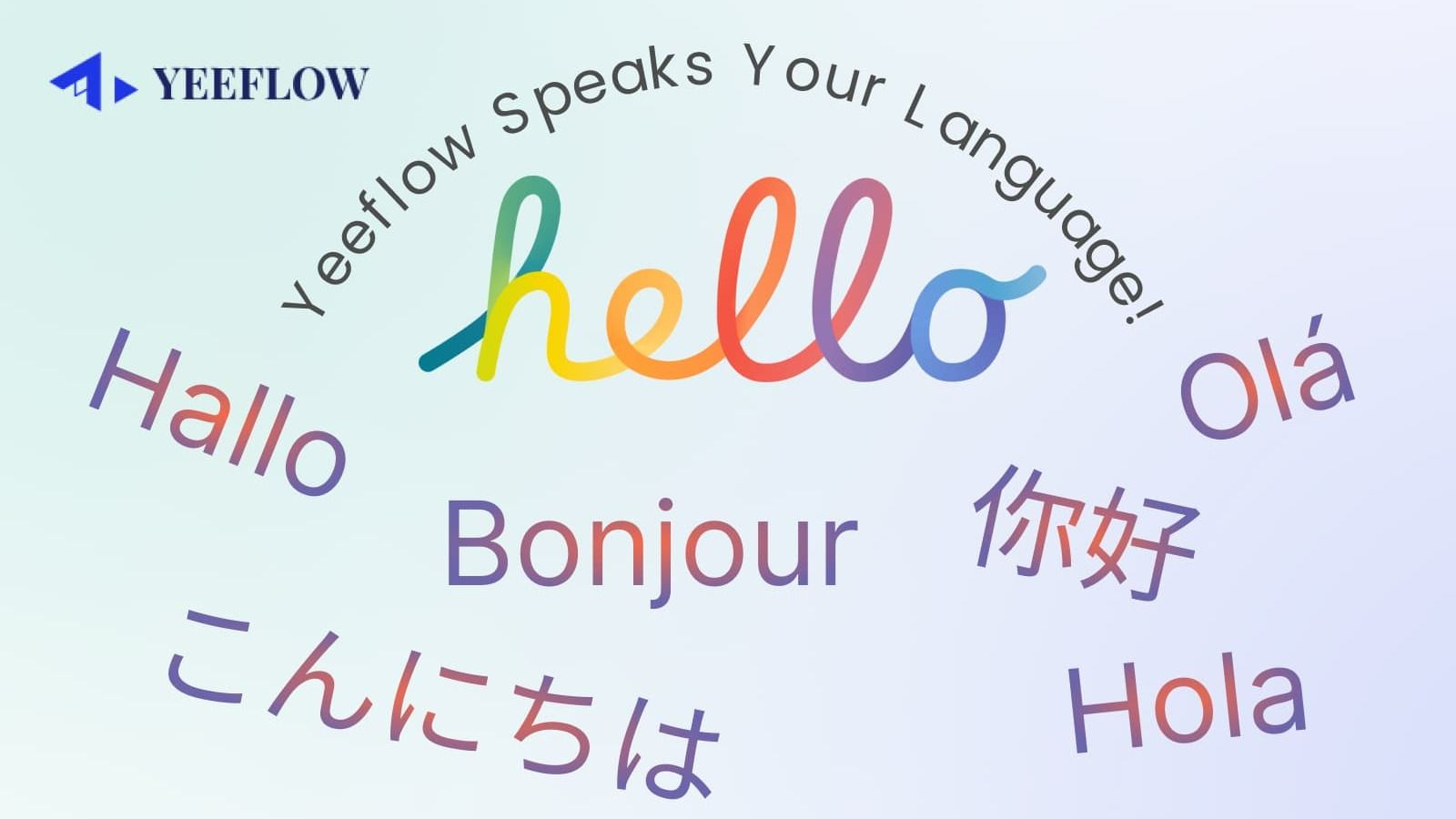
We’re excited to announce a major update to theYeeflow website—it now supports11 languages, making it easier than ever for users around the world to explore Yeeflow in their preferred language!
🗣️ Supported Languages:
- English
- Deutsch (German)
- Español (Spanish)
- Français (French)
- Português (Portuguese)
- 中文(简体)(Simplified Chinese)
- 中文(繁體)(Traditional Chinese)
- 日本語 (Japanese)
- Tiếng Việt (Vietnamese)
- ภาษาไทย (Thai)
- Bahasa Indonesia (Indonesian)
This multilingual support empowers users from across the globe tonavigate our platform more comfortably, learn about Yeeflow's features, and take action faster—whether it's starting a free trial, reading product updates, or scheduling a demo.
❗ Why This Update Matters
In today’s global digital landscape,accessibility and inclusivity are not optional—they are essential. By supporting 11 languages, Yeeflow ensures:
- 🌐Better user experiencefor teams in non-English speaking regions
- 🤝Stronger collaborationacross multinational organizations
- 🚀Faster onboarding and adoptionfor teams using Yeeflow worldwide
- 💼Enhanced localizationfor enterprise clients with distributed teams
No matter where you're located, Yeeflow is now easier to understand and adopt—in your language.
🌐 Seamless Global Access
At Yeeflow, we're committed to building aninclusive and accessible product experiencefor all users. With the addition of more languages, we’re one step closer to breaking down barriers and welcoming more teams to create powerful, no-code applications.
How to Change Your Language Preference
Switching to your preferred language is quick and easy:
1. Log in to your Yeeflow account.
2. Go toProfile & Preferencesin the settings menu.
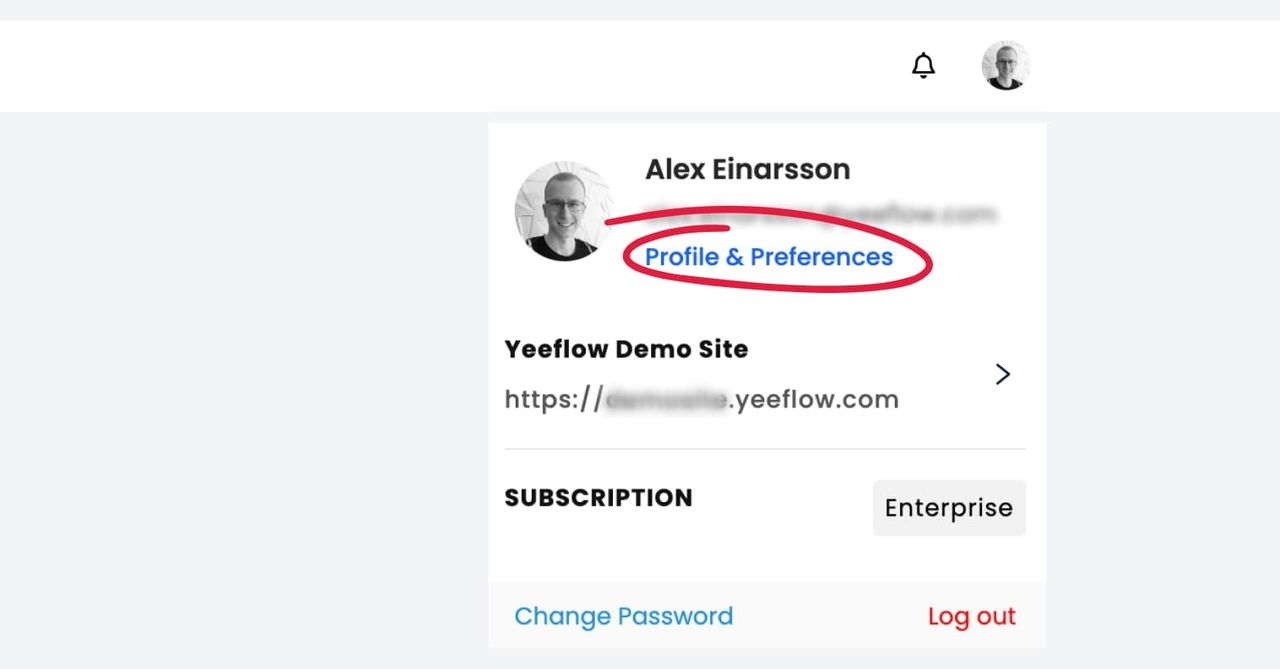
3. Choose your desired language.
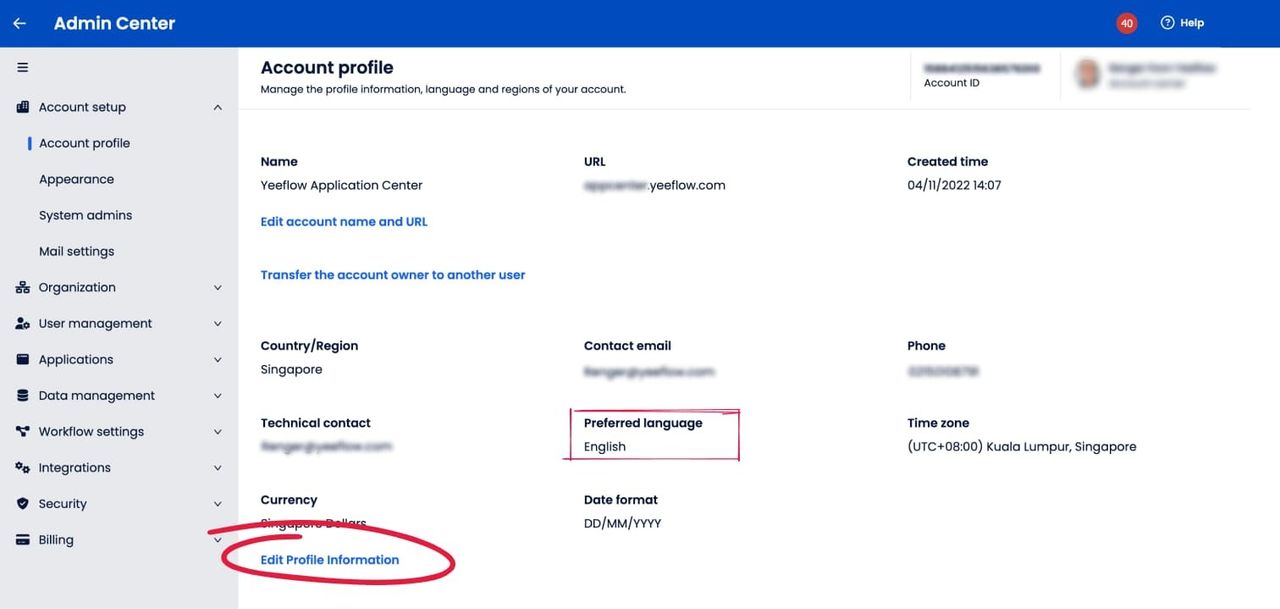
If you want to set a default language for your entire organization, head to theAdmin Center, edit the account profile information, and select the preferred language.
What’s Next?
This update is just the beginning. We’re continuously working to expand our language support and improve localization. If you have any feedback or suggestions on additional languages you’d like to see in Yeeflow, please let us know. Your input is invaluable as we continue to enhance our platform.
Need Help?
If you have any questions or need assistance with setting up the new language, our support team is here to help. You can also explore our help center for detailed guides and tutorials on using Yeeflow’s multilingual features.