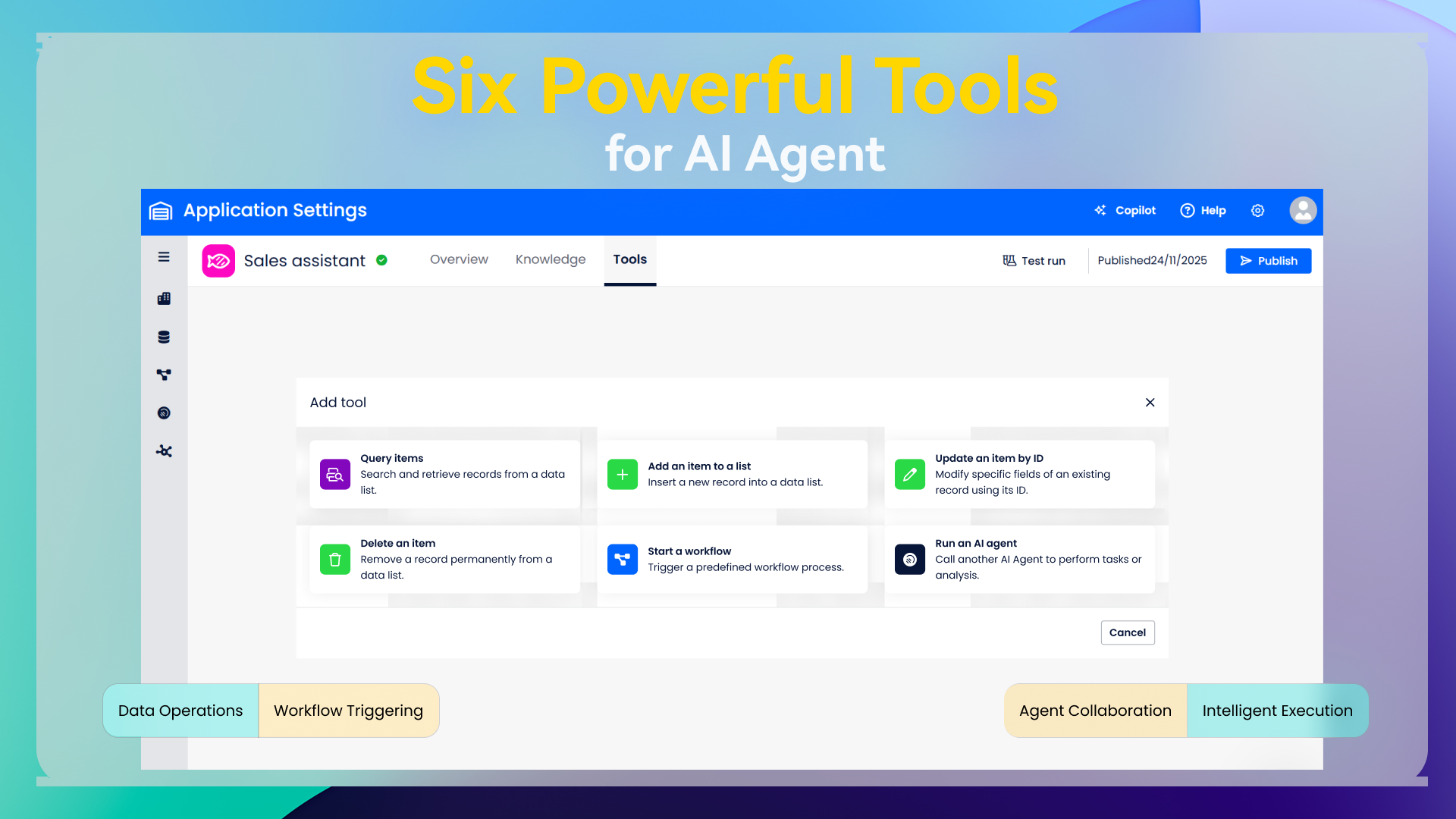
Hi there,We are excited to announce the rollout ofsix powerful Tools for AI Agents, designed to bring greater flexibility, precision, and automation to your workflows. These tools enable agents to interact with your applications, retrieve and modify data, trigger workflows, and even collaborate with other agents—transforming how you build intelligent processes.
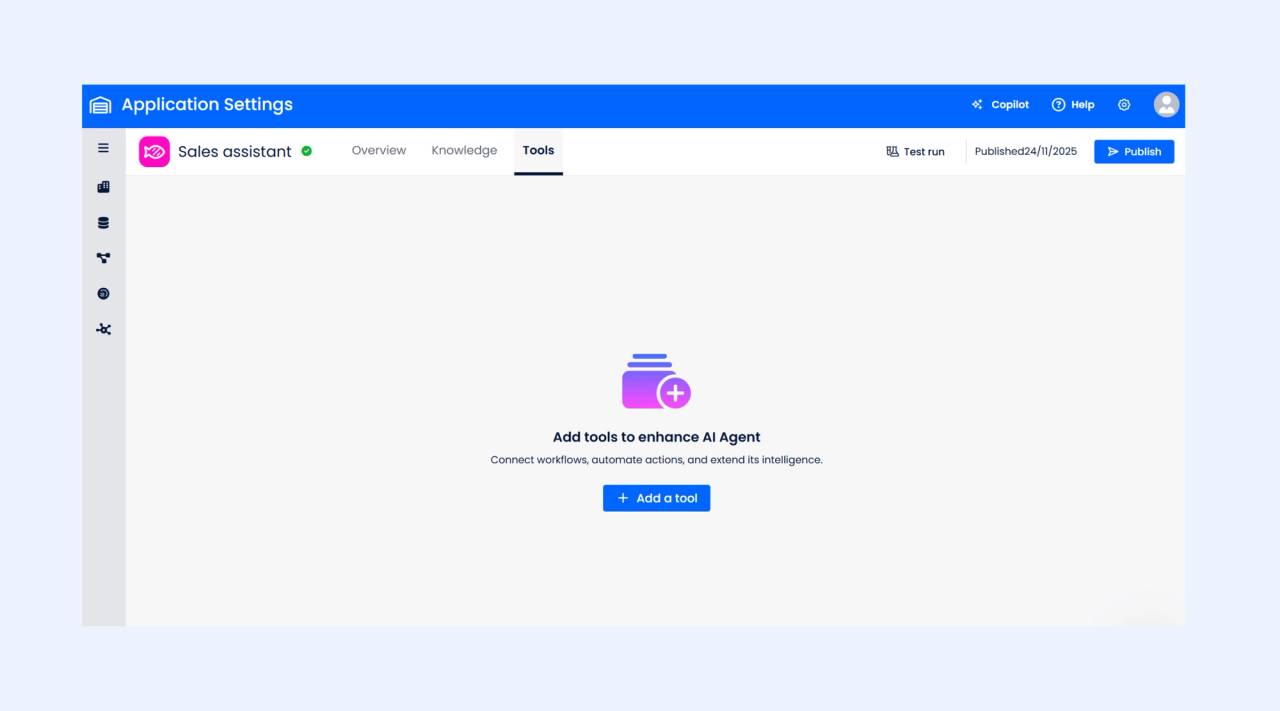
🔧 The Six New AI Agent Tools
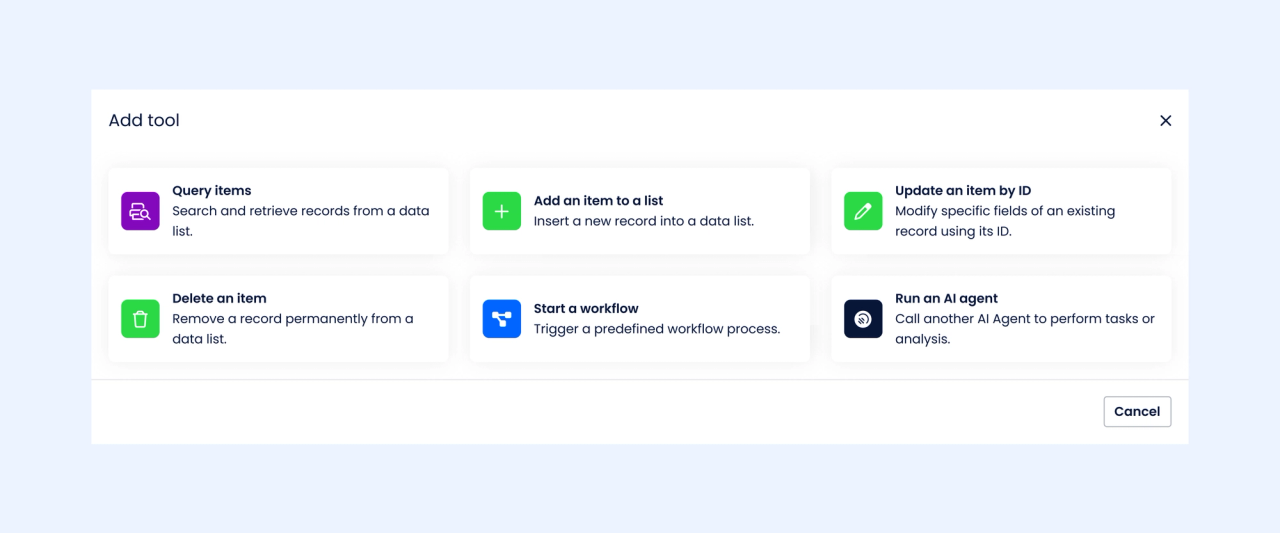
1️⃣Query items
Give your agent the ability to search and retrieve data from lists with filters, selected fields, sorting, and pagination. Perfect for smart data lookup and reporting.
2️⃣Add an item to a list
Allows the AI Agent to create new records in a selected data list. Configure which fields the agent can fill and automate data creation through conversational instructions.
3️⃣Update an item by ID
Enables the agent to update specific fields of an existing record using its unique ID. Useful for modifying contact details, order status, or any existing data entry.
4️⃣Delete an item
Allows the agent to remove a record from a list by ID. A simple yet powerful tool for keeping your data clean and accurate.
5️⃣Start a workflow
Empowers the agent to launch predefined workflows—such as approval processes or onboarding flows—with optional form field prefilling. Ideal for automating multi-step business processes.
6️⃣Run an agent
Enables one AI Agent to call and execute another AI Agent. This opens the door to multi-agent collaboration, modular logic building, and highly scalable automation scenarios.
✨ What This Means for You
With these six tools, your AI Agents can now:
- Read, write, update, and delete data
- Initiate and automate complex workflows
- Collaborate with other agents
- Execute business logic based on user intent
- Provide structured, high-quality responses powered by live data
Whether you're building a simple helper agent or a large enterprise automation system, these tools form the backbone of intelligent and dynamic AI-driven processes.
🚀 Start Exploring Today
Visit theAI AgentToolssection in your application to explore the six tools, configure their inputs and outputs, and begin enhancing your processes with automation powered by AI.
If you need help getting started, refer to the Help Center articles for each tool or contact our support team.