Hi there,
Did you know that when you customize each control's style in the designer, there's a setting calledPosition? This setting is available in the Advanced tab of each control, and it allows you to control how elements are placed within your design. Are you using this setting in your application designs?
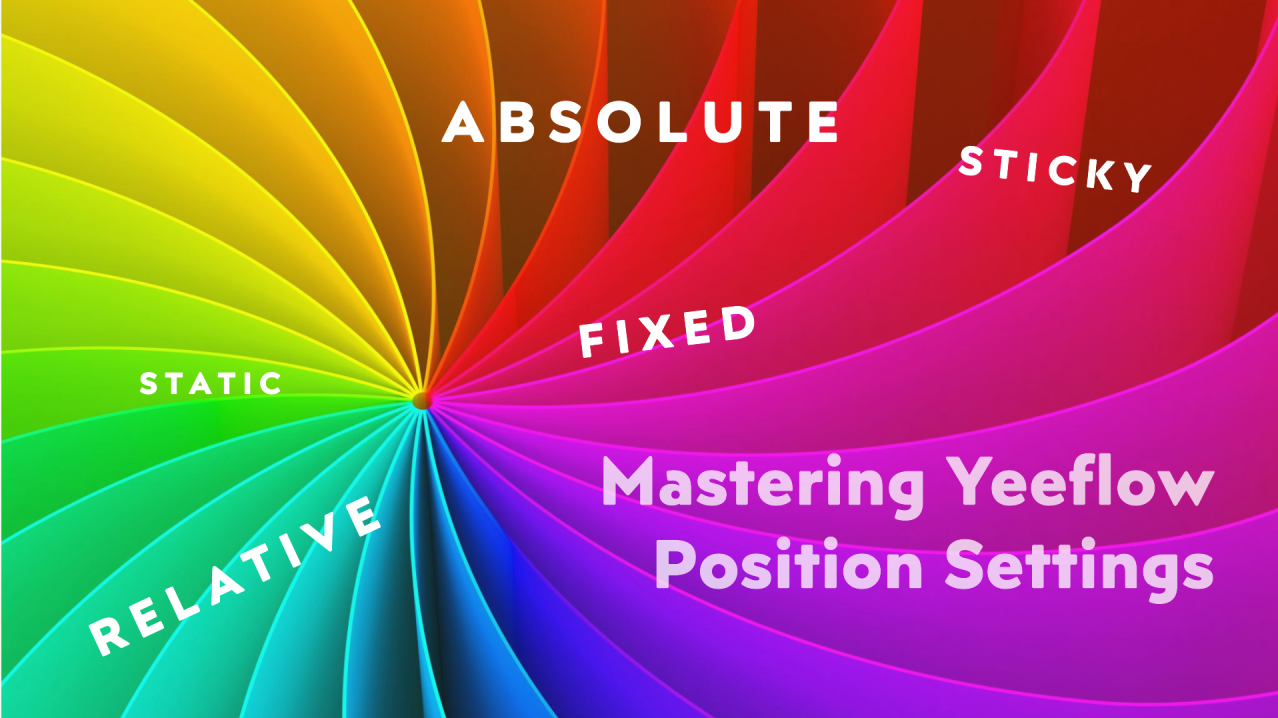
We're excited to announce two new additions to thePositiondropdown list in Yeeflow's designer:StaticandSticky! 🎉
These new options give you even more flexibility when designing forms and dashboards, making it easier to create dynamic, visually appealing layouts without writing a line of code.
- Static: Keeps elements in their default position, following the natural flow of the page.
- Sticky: Combines the benefits of relative and fixed positioning, allowing key elements to stay visible as users scroll.
Want to learn more about how these different position settings can enhance your designs? Check out our latest article explaining each option in detail and how to make the most of them in Yeeflow:Understanding Position Settings in Yeeflow