Hi there,
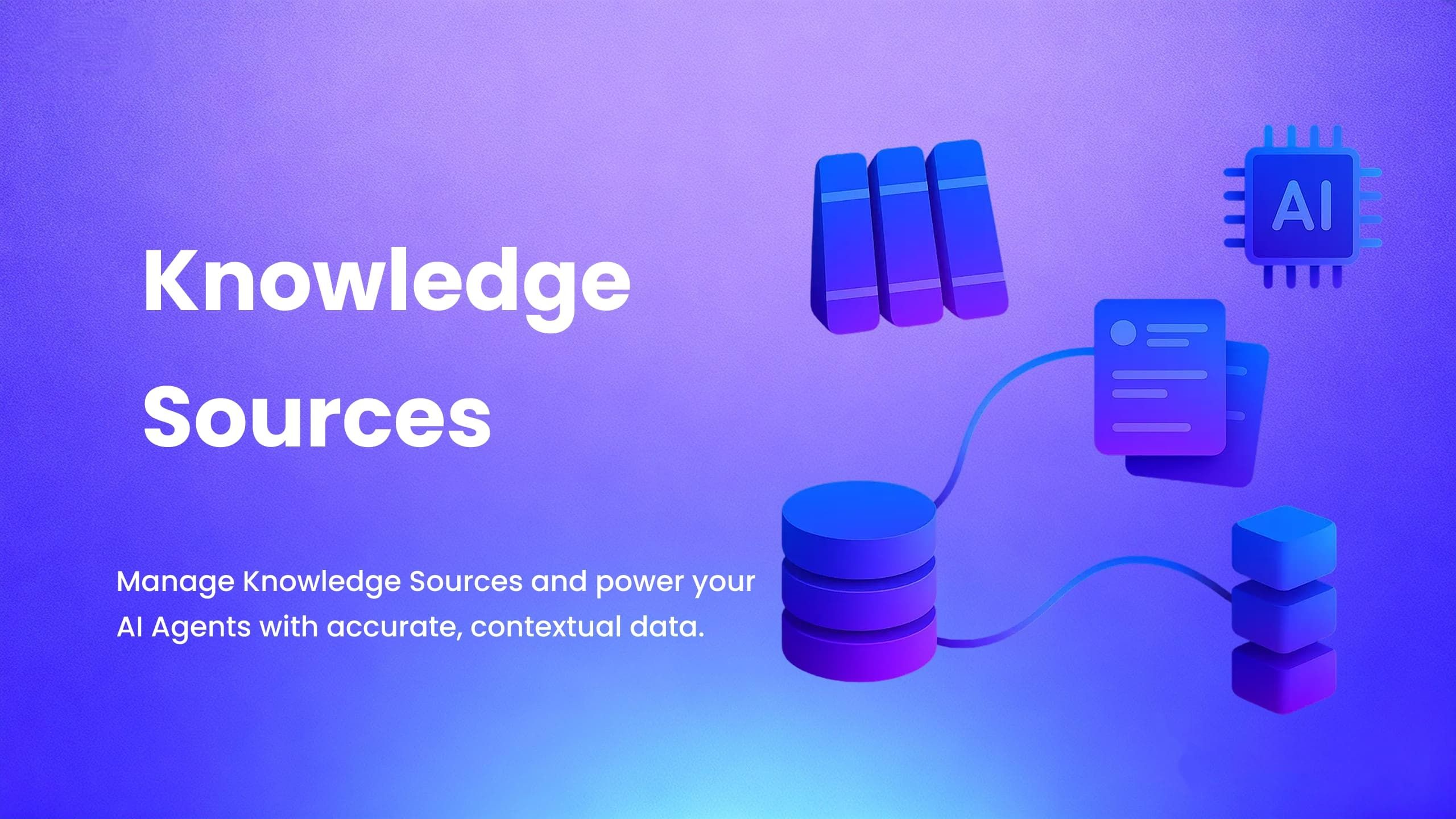
We’ve introducedKnowledge Sources, a new way to provide structured business data to yourAI Agentsin Yeeflow.
This allows your agents to deliveraccurate, context-aware responsesbased on real business records.
📘 What’s New
Knowledge Sources let you define what data an AI Agent can use, including:
- Data lists
- Document libraries
- SLA targets
- Ticket activity records
- Service categories
- Configuration items (CMDB)
- Any structured dataset inside your applications
Each Knowledge Source can containmultiple data sources, and you control which fields are available to the agent.
✨ Key Benefits
- Centralized management of AI-accessible business data
- Fine-grained control over included datasets and fields
- Automatic syncing ensures data is always up-to-date
- Reusable across multipleAI Agents
- Produces cleaner, safer, more predictable AI outputs
📌 Example Uses
- Let an agent answer: “What are our SLA targets?”
- Retrieve inventory or product information
- Provide structured service request data (categories, teams, priorities)
- Supply configuration and asset details for IT operations
- Enable internal knowledge assistants with accurate business context
🎉 Get Started with Knowledge Sources Today
Knowledge Sources are now available for all Yeeflow applications.
Go toApplication Settings → AI Agent → Knowledge Sourcesto start configuring the data your AI Agents can access.
To learn how to set up your first Knowledge Source, read the guide below:
👉https://support.yeeflow.com/en/articles/12981066-knowledge-sources
For assistance, please contactYeeflow Supportor yourCustomer Success Manager.