Hey there,
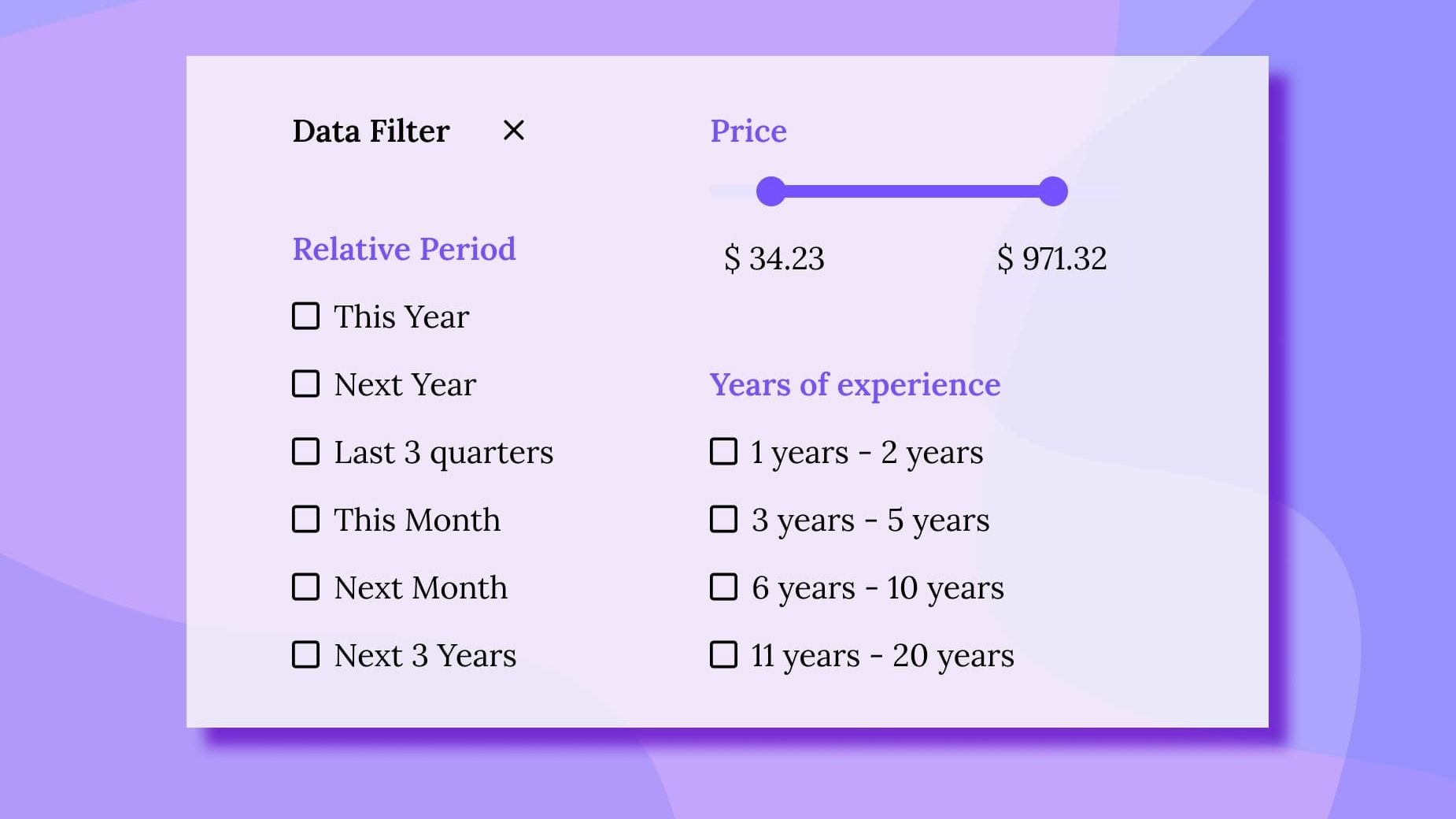
We have introduced 3 more new data filter controls that will take your data search experience to the next level. With the help of the new filter controls, you can provide your users with even more flexible data retrieval capabilities.
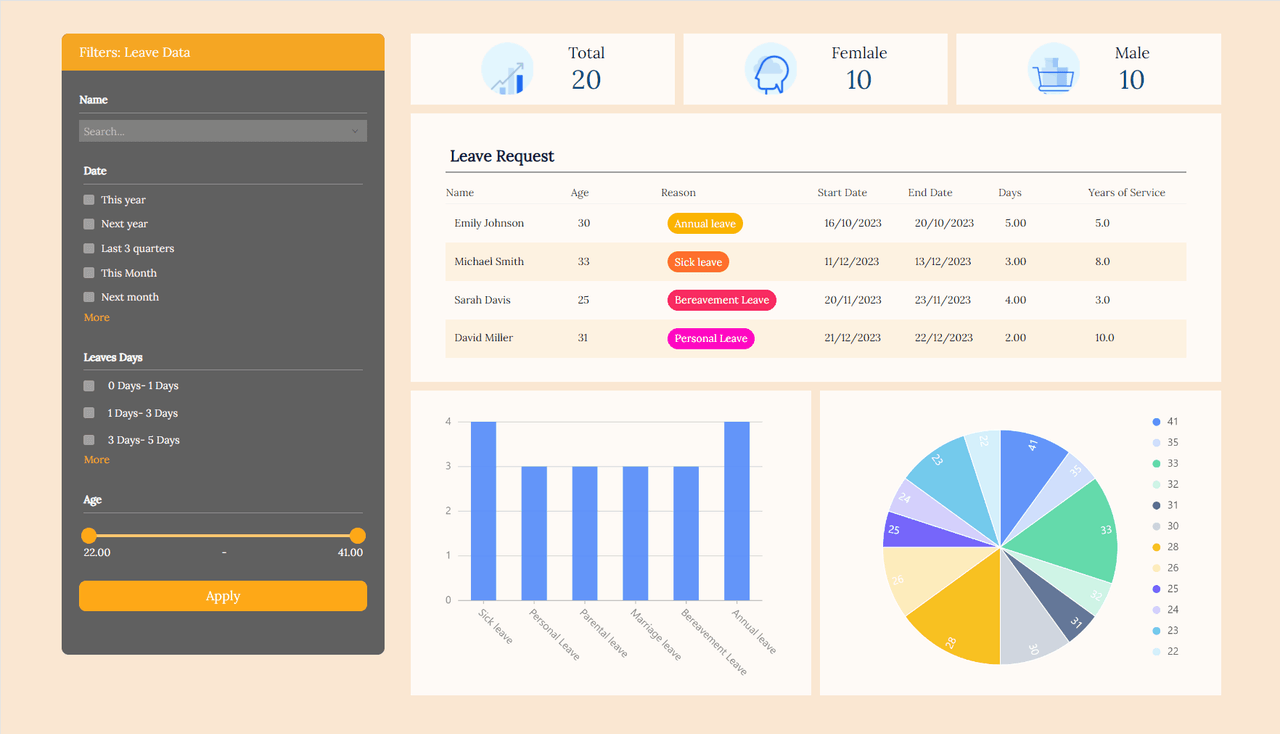
1.Range Filter:🎯 Allows the user to specify a range of values to filter the data. You can set the maximum and minimum values for the filter interval and allow the user to change the filter range by dragging the slider.
2.Check Range:📊Use checkboxes to define multiple desired ranges of values. And allow the user to filter the data by selecting one or more range values.
3.Relative Period:📅Allows users to dynamically filter data based on time periods relative to the current date or other selected reference points. Unlike static date filters, it is possible to focus on time periods such as "last week", "last month" or "next quarter" without having to manually adjust the dates, thus providing flexibility and ease of analysis.
You can find and use the above new search controls in the Data Filtering category of the Form Designer or Dashboard Page Designer.
With these three new data filtering controls, combined with the previously released search controls, you can easily build powerful data filtering functionality to enhance your business 🚀✨