Hi there,
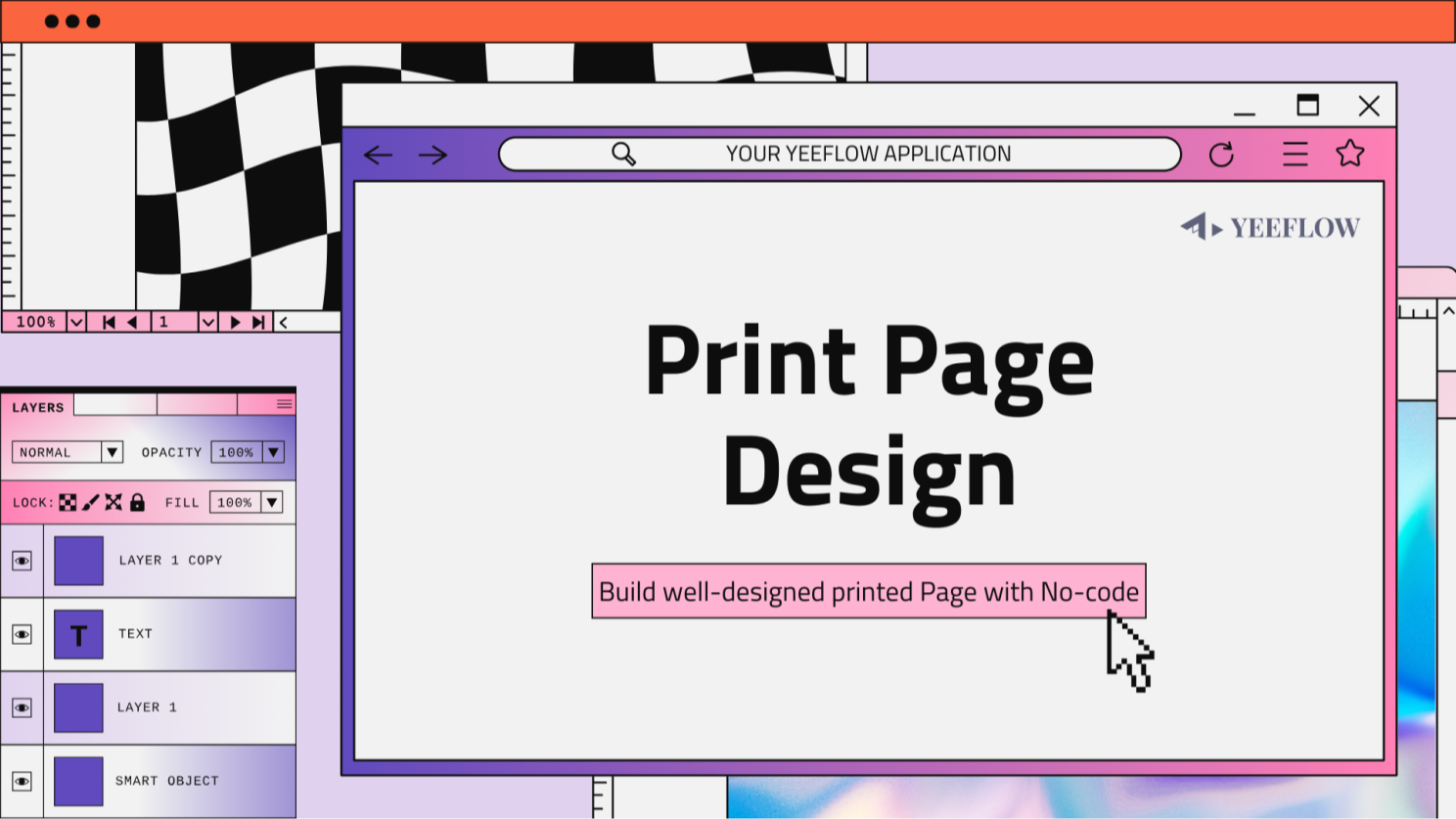
We’re excited to introduce a brand-new feature in Yeeflow: thePrint Page Step! This powerful new addition to form actions allows you to open pages in print preview mode directly from your workflows. Whether you need to print detailed approval forms, data list items, dashboards, or custom-designed pages, this feature has got you covered.
What is the Print Page Step?
The Print Page Step is a new form action that enables users to seamlessly print web pages or custom-designed pages with ease. By configuring this step, you can:
- Open a page in print preview mode.
- Print multiple different pages, including approval forms, data list items, dashboards, and more.
- Create and print specific, well-designed pages tailored for print purposes.
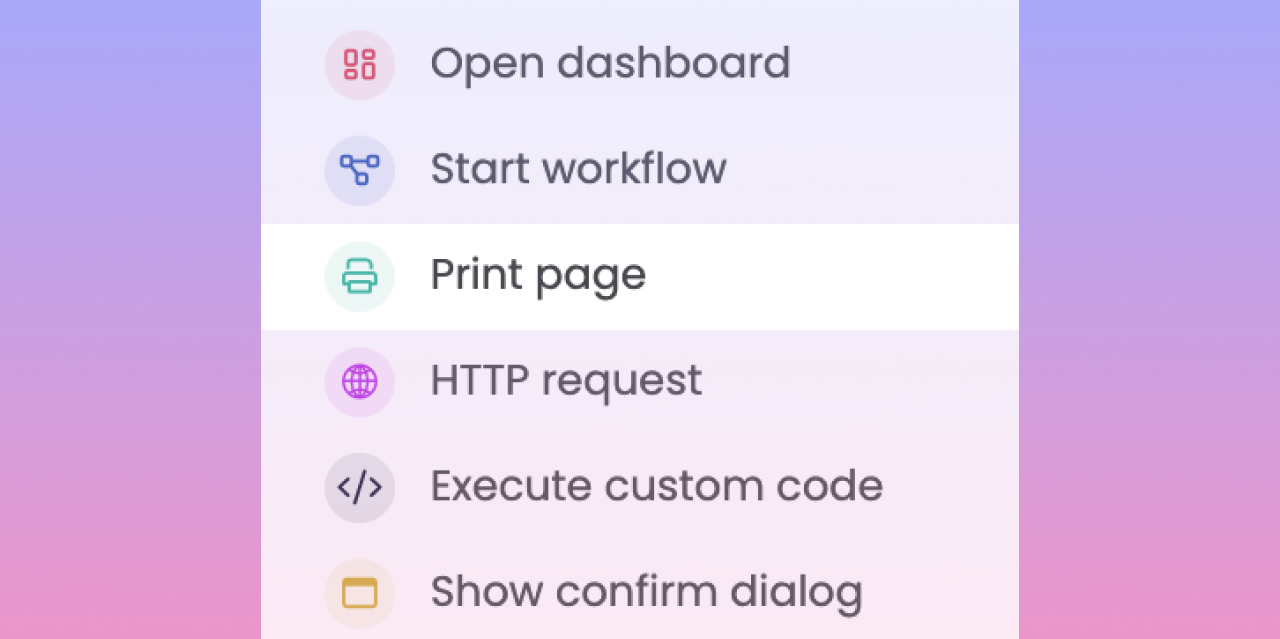
With this feature, printing becomes an integrated part of your workflow, eliminating the need for additional steps or external tools.
Why is this Feature Important?
Printing remains an essential function for many business processes, especially when physical copies of key documents are required. The Print Page Step offers:
- Efficiency: Reduce manual steps and streamline your printing process directly within Yeeflow.
- Flexibility: Configure print options for various page types, from employee profiles to inventory lists.
- Customization: Design pages specifically for print, ensuring a polished and professional appearance.
By integrating printing into your workflows, you can save time and ensure consistency across your documents.
Real-World Use Cases
Here are just a few examples of how you can leverage the Print Page Step:
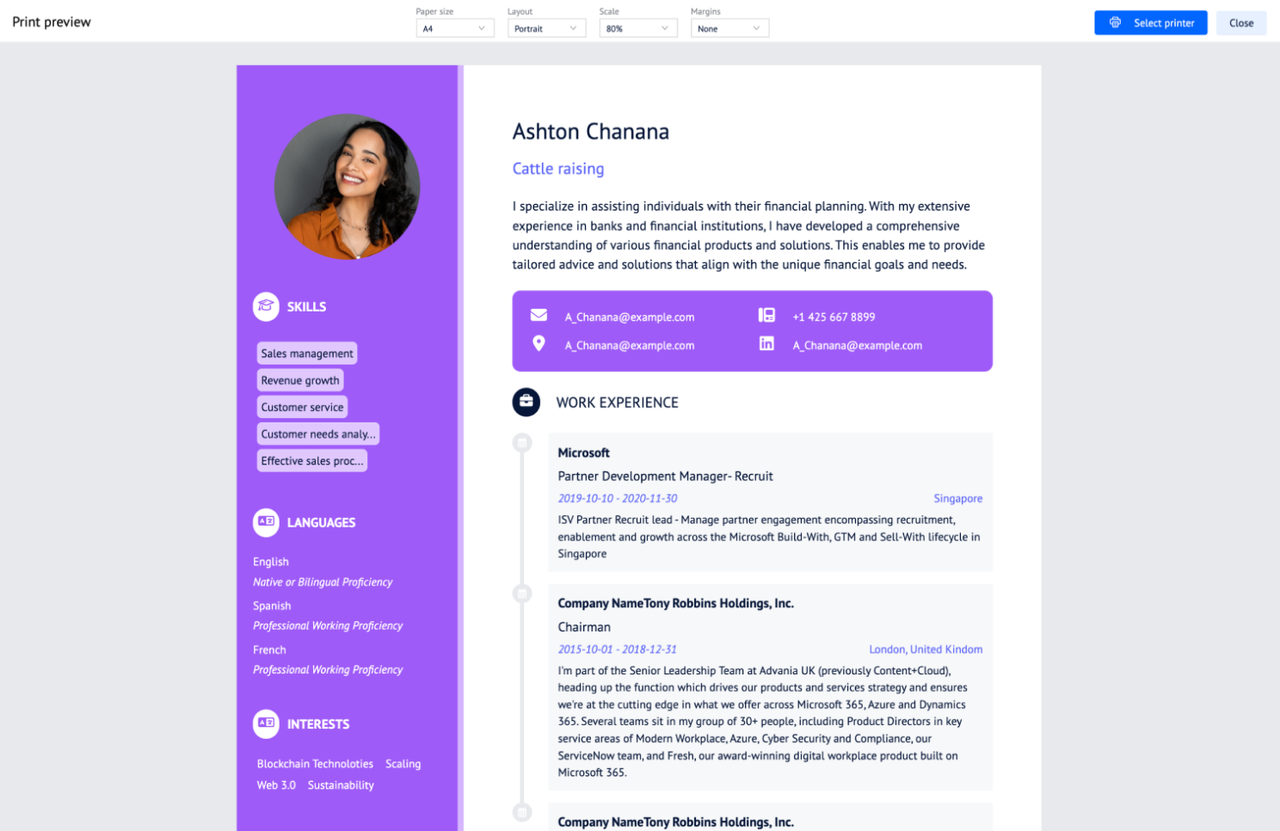
Print an Employee’s Resume: Generate a polished resume directly from an employee’s profile page.
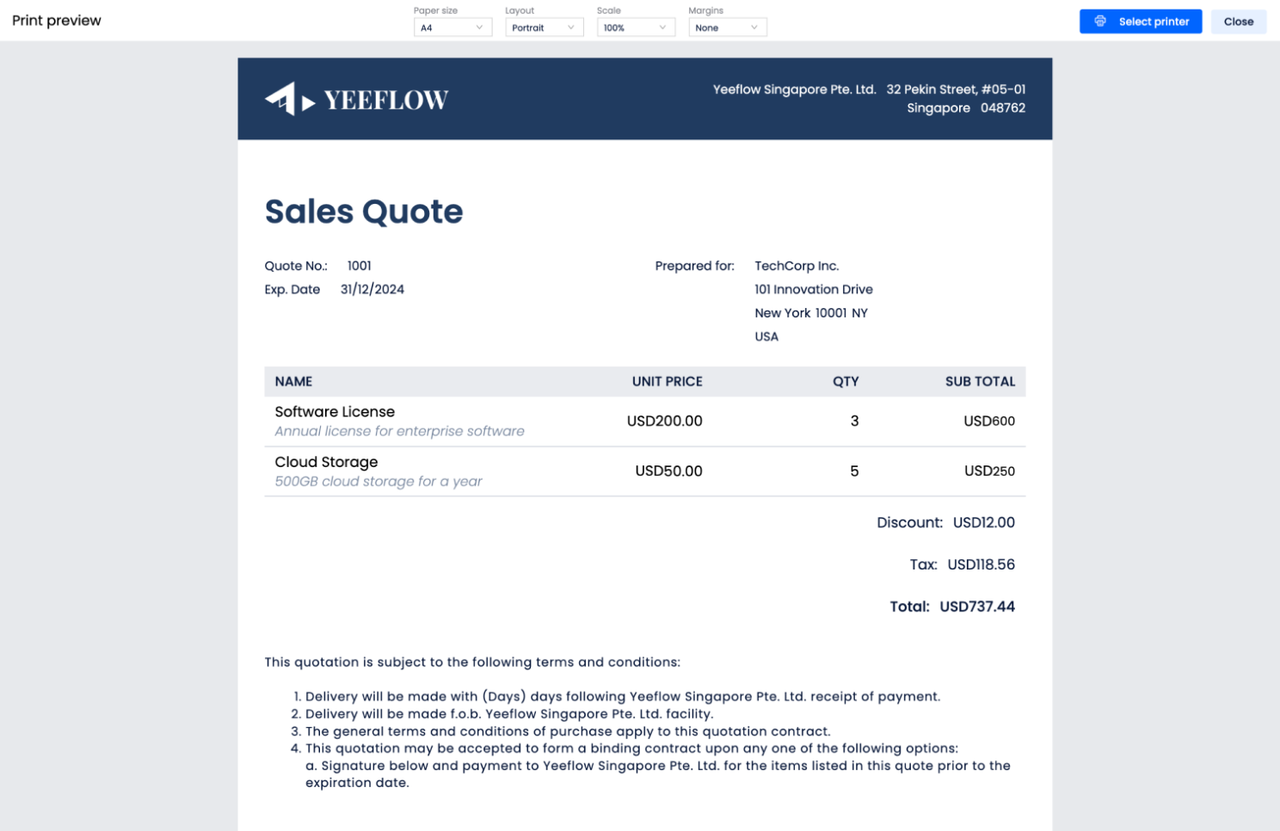
Print a Sales Quotation: Create and print professional sales quotations for clients with all the necessary details.
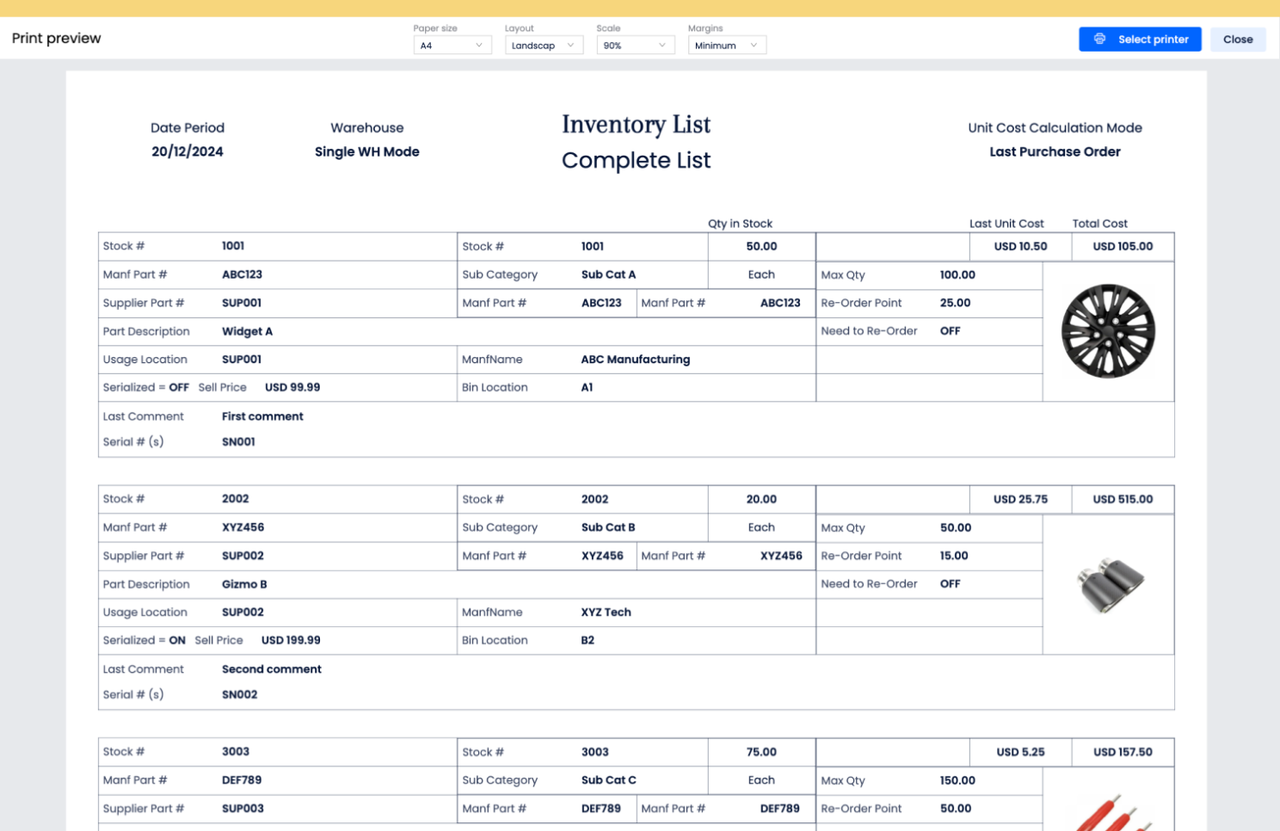
Print an Inventory List: Generate up-to-date inventory lists for physical audits or meetings.
The possibilities are endless, allowing you to adapt this feature to suit your specific business needs.
How to Get Started
Getting started with the Print Page Step is simple:
- Navigate to theForm Actionssection in Yeeflow.
- Add thePrint Page Stepto your workflow.
- Configure the step by selecting the pages you want to print (e.g., Approval Form, Data List Item, Dashboard).
- Customize the design of your pages for print if needed.
- Save your workflow and test the print functionality.
For a detailed step-by-step guide, check out ourUser Guide.
Start Printing Smarter Today
The Print Page Step is here to help you streamline your workflows and elevate your document printing process. Whether you’re printing forms, reports, or custom pages, this feature ensures a seamless and professional experience.
Try it out today and let us know how it enhances your workflows. We’d love to hear your feedback!