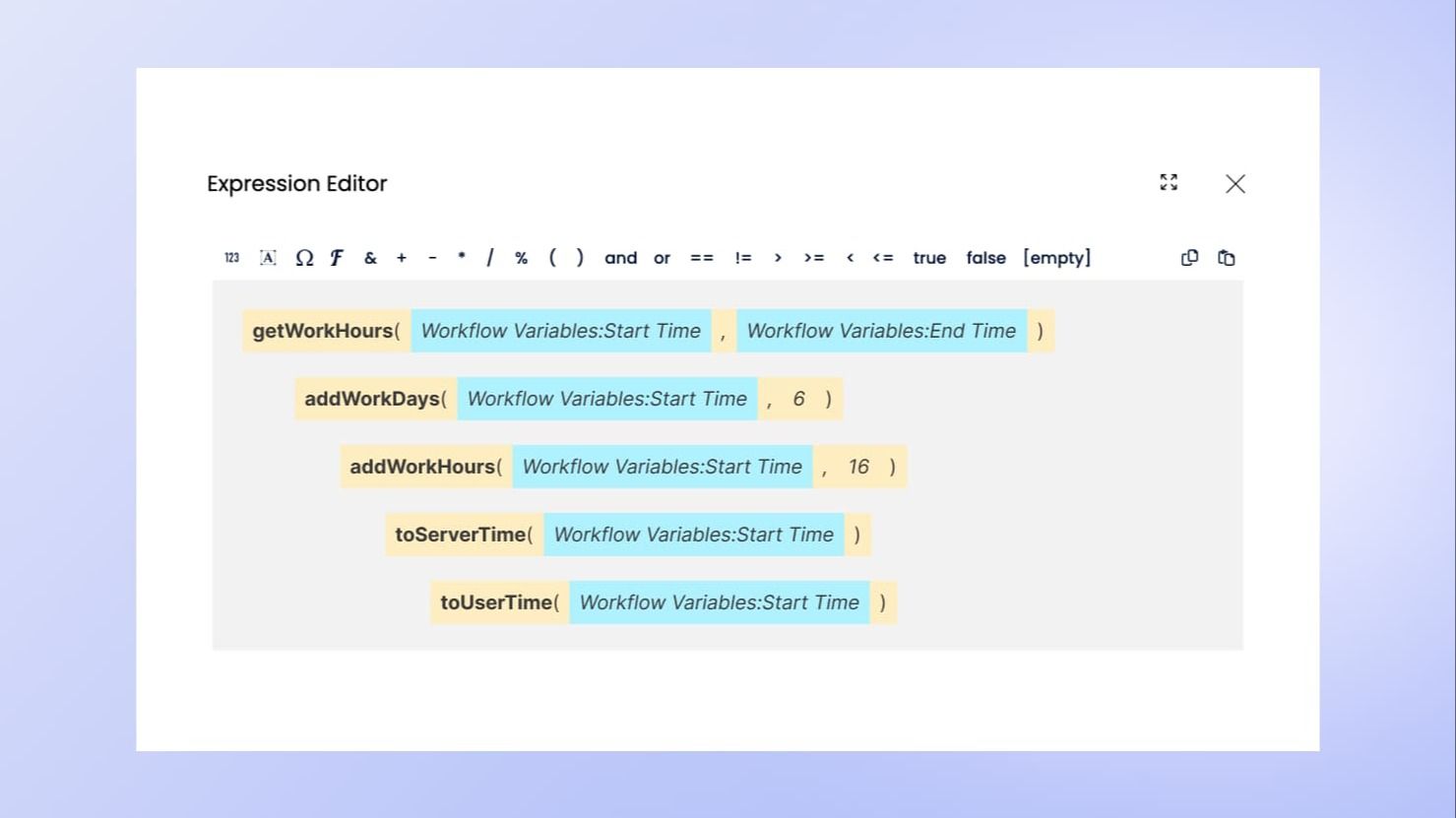
We're excited to announce the addition of 5 powerful functions to the Yeeflow expression editor, specifically designed to streamline date and calculations.
These functions are designed to help you manage working hours, days, and date/time conversions more efficiently between server time and the end user's local time. Let's dive into what each function offers and how it can enhance your Yeeflow experience.
1. getWorkHours(<start>, <end>)
Calculate the working hours between any two given times withgetWorkHours. This function considers your customizedworking calendarset in the admin center.
For instance, if your working hours are 9 AM to 5 PM, and you want to calculate the hours from 2 PM on Friday to 10 AM the next Monday,getWorkHourswill consider only the designated working hours and days, providing you with an accurate total working hours count, such as 4 hours in this scenario.
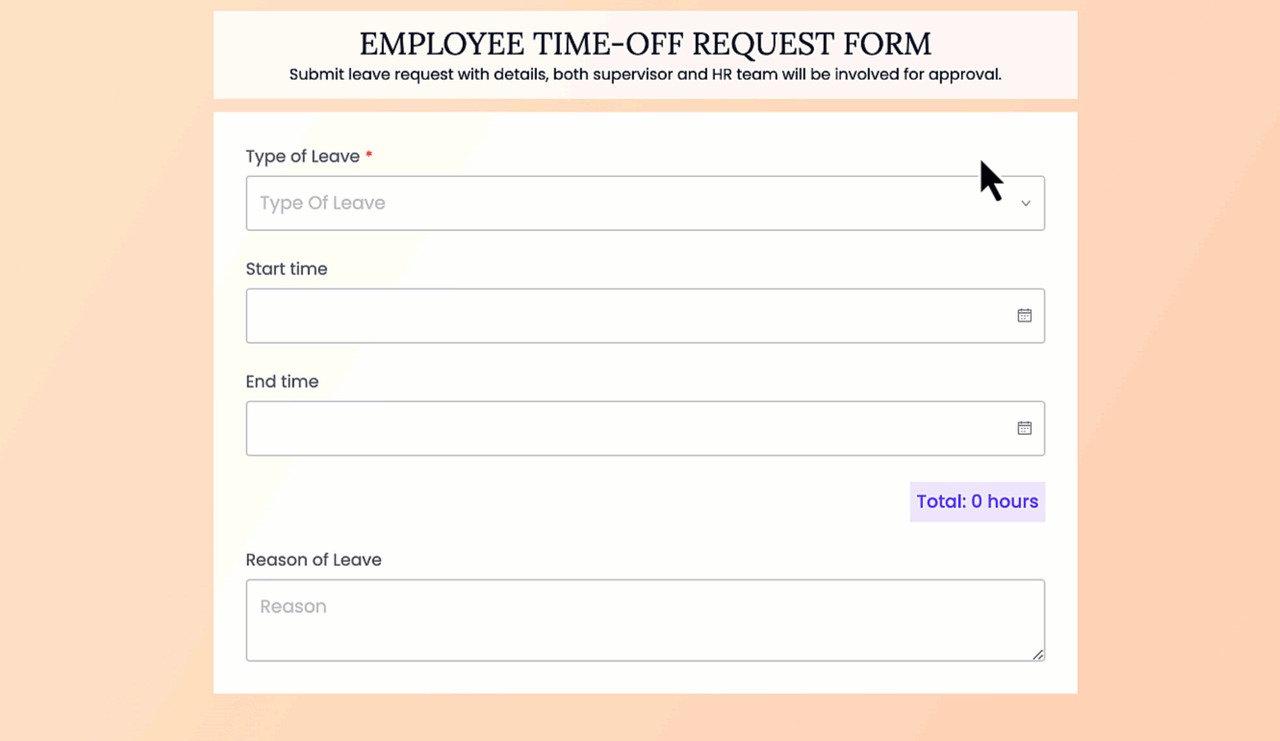
2. addWorkDays(<start>, <days>)
WithaddWorkDays, you can determine the future date and time by adding working days to a given start date. This function respects the defined working calendar, adjusting for any non-working days.
For example, starting at 2 PM on a Friday and adding 3 working days might land you at 2 PM on the following Wednesday. It ensures that the time and day returned are within your working hours and calendar.
3. addWorkHours(<start>, <hours>)
Similar toaddWorkDays, theaddWorkHoursfunction allows you to add a specific number of working hours to a start time, returning the resultant date and time. This function is particularly useful for project planning and deadline tracking within the working day context.
4. toServerTime(<time>)
Time zone differences can cause confusion, but not anymore! UsetoServerTimeto convert any datetime string from the current user's time zone to the server's time zone. This function ensures that everyone is on the same page, regardless of their geographical location.
Examples:
- Record accurate activity logs regardless of user locations.
- Synchronize events and tasks across different time zones.
5. toUserTime(<time>)
ComplementingtoServerTime,toUserTimeconverts datetime strings from the server's time zone to the current user's local time zone. This is particularly useful for global teams to maintain synchronization in planning and deadlines.
Examples:
- Personalize task reminders and notifications based on user time zones.
- Display accurate deadline information for users in different regions.
Ready to leverage these new functions?
Access them within the Yeeflowexpression editorto enhance your workflow automation capabilities.