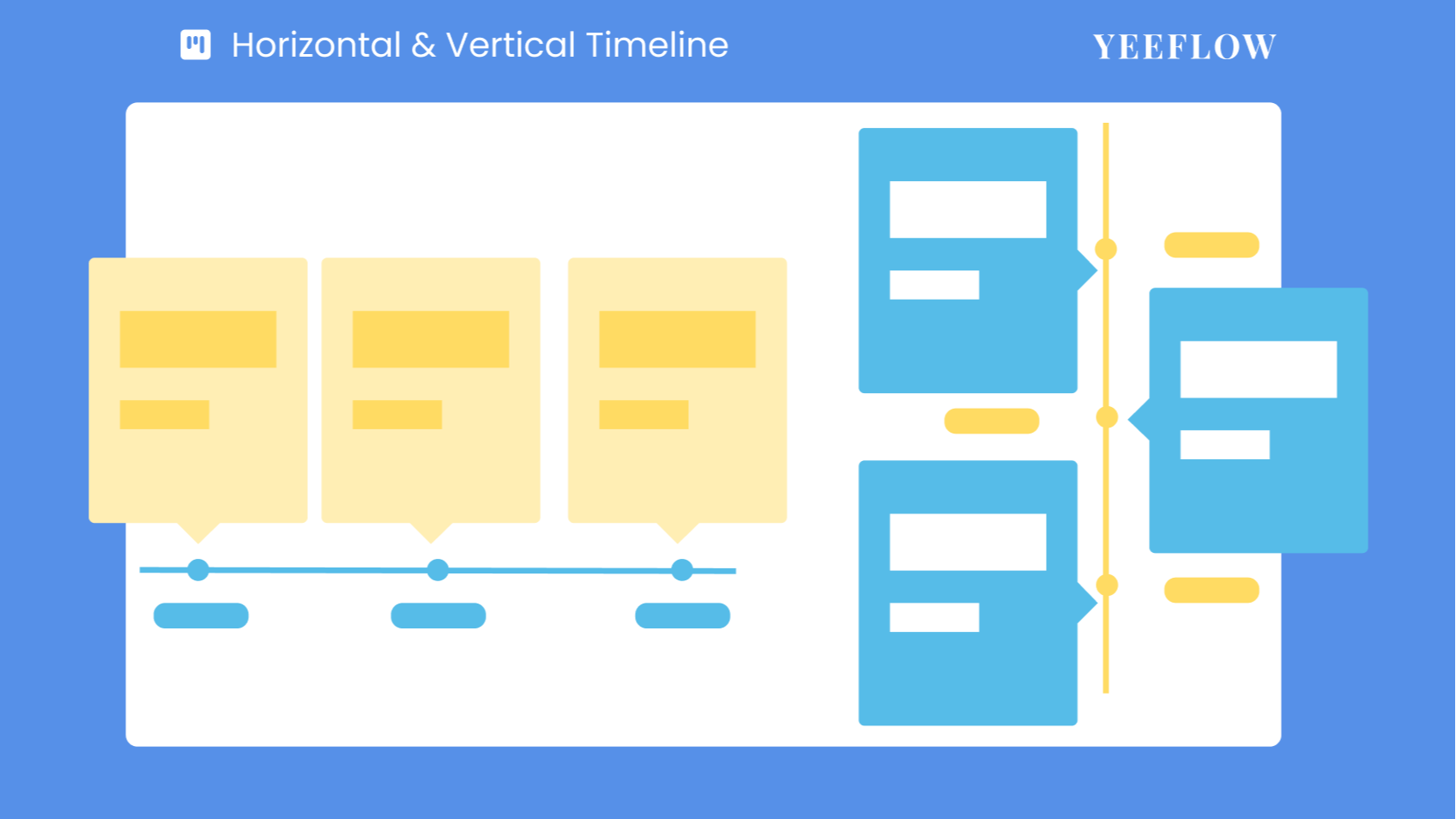
We are delighted to announce the launch of two powerful visualization tools on the Yeeflow platform: the Horizontal and Vertical Timeline Controls. These controls offer an intuitive and efficient way to display and manage time series data in your business, making your workflows clearer and easier to track.
What are Timeline Controls?
Timeline controls are tools designed to display the sequence of events or tasks over time. With these controls, you can present key information horizontally or vertically, aiding teams in better understanding and managing project progress, event planning, and crucial milestones.
Business Scenarios for Horizontal Timeline Control:
The Kanban board can be applied in various business scenarios to enhance productivity and provide clear visibility into your operations. Here are three examples to showcase its versatility:
- Product Development:Displays the entire process from concept design to final release, helping teams and stakeholders see each stage's progress clearly.
- Project Planning:Provides a clear roadmap for project teams, showing start dates, timelines for each phase, and expected completion dates.
- Corporate History:Visually represents significant events and achievements of the company, enhancing brand promotion and corporate culture identification.
Business Scenarios for Vertical Timeline Control:
- Project Management:Uses the timeline to display key project milestones and completion stages, aiding team members in tracking progress.
- Event Planning:Shows the sequence of upcoming events or significant activities, providing clear timing plans.
- Customer Relationship Management (CRM):Records the history of customer interactions including important meetings, negotiations, and transaction updates, helping sales teams better understand and respond to customer needs.
Key Features of Horizontal and Vertical Timeline Controls:
- Highly Customizable:Whether horizontal or vertical, you can customize node types, timeline styles, and data sources according to your business needs, perfectly adapting to your workflow.
- Dynamic Display:Supports dynamically hiding or showing controls based on specific conditions, helping you flexibly manage interface content.
- Real-time Updates:Ensures that the controls stay synchronized with your data sources, always displaying up-to-date content.
How to Use Timeline Controls:
- Adding Controls:In the form or custom page designer, navigate to the “Advanced” controls group, find the Horizontal or Vertical Timeline Control, and drag it to the desired location.
- Configuring Data Sources:Choose appropriate data sources, such as data lists, form reports, or document libraries, and set data filtering and sorting rules to ensure the timeline displays information in the intended order.
- Customizing Display Styles:Adjust settings for nodes, titles, and timeline styles to align the timeline with your business needs and visual style.
Experience the New Features Now!
The Horizontal and Vertical Timeline Controls are now fully operational, bringing a new experience and higher efficiency to your business information display. Try these new features today to see how they can help you better organize, manage, and present key business information.
Check out theHorizontal timelineandVertical timelineguides for more details and start using these powerful new tools!
Start using this feature today and see how it can streamline your processes, boost productivity, and keep your projects on track!