Give ideas a structure.
Work through data lists, forms and workflows in plain language.

 Microsoft Copilot + Yeeflow Studio
Your next application starts with a conversation.
Turn requirements into plans. Understand your applications. Review what comes next—with Yeeflow Studio in Copilot.
Requires eligible Microsoft 365 Copilot and Yeeflow access.
 Your application-building companion
Swipe the image to explore, or open it at full size.
Built for application builders
Work through data lists, forms and workflows in plain language.
Understand the application configuration you can access.
Review what exists, what’s suggested and what still needs checking.
See how it works
Real examples of Yeeflow Studio in Microsoft Copilot.
01Connect your context
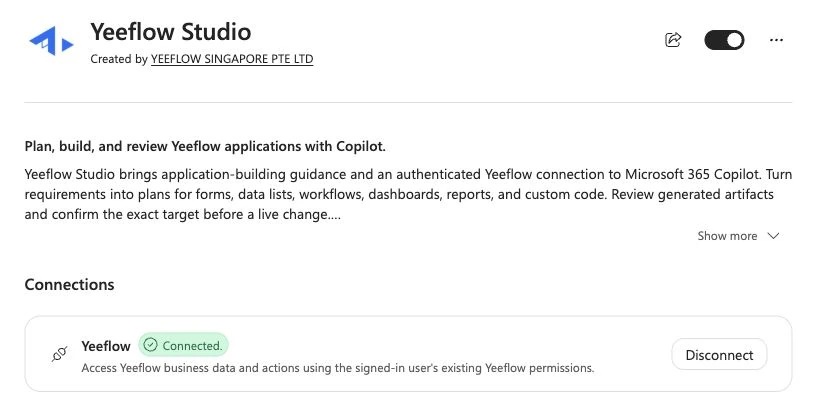
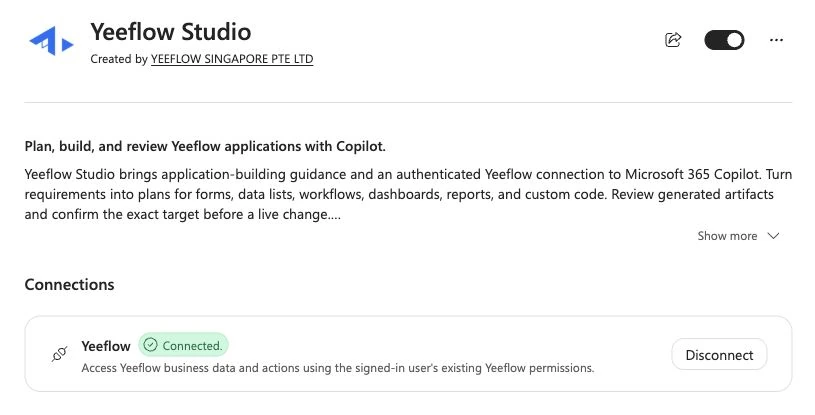
Add Yeeflow Studio in Microsoft Copilot and connect your Yeeflow account. Start with the workspaces and applications you already have permission to access.
“Which Yeeflow workspaces can I access?”
Swipe the image to explore, or open it at full size.
Check your identity and choose the intended application before you begin.
02Understand what exists
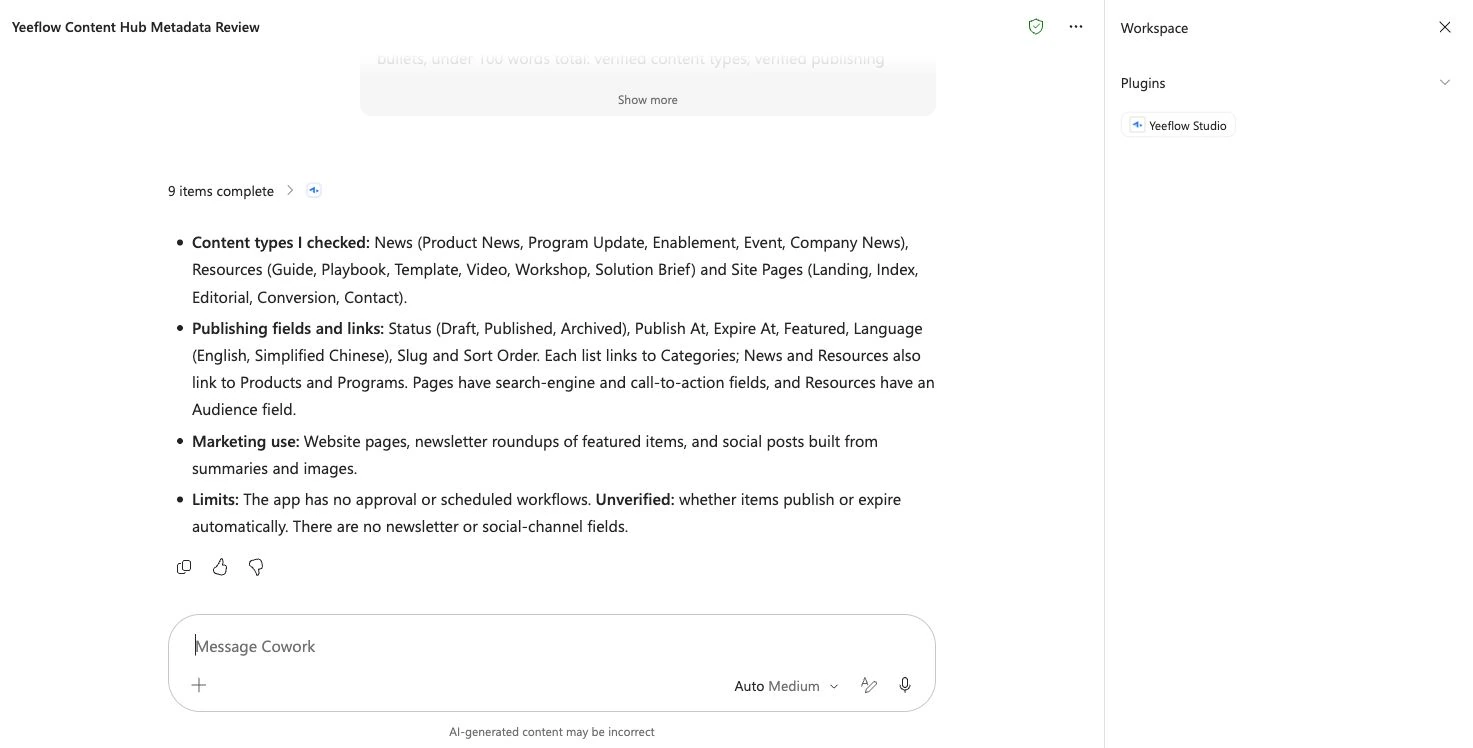
Ask Studio to review accessible configuration. Bring data types, fields and relationships into one conversation before deciding what to change.
“Review this application’s data model. Tell me what you inspected. Do not read business records or make changes.”
Swipe the image to explore, or open it at full size.
This review identifies existing fields and links. Automatic publishing was not verified.
03Review the next step
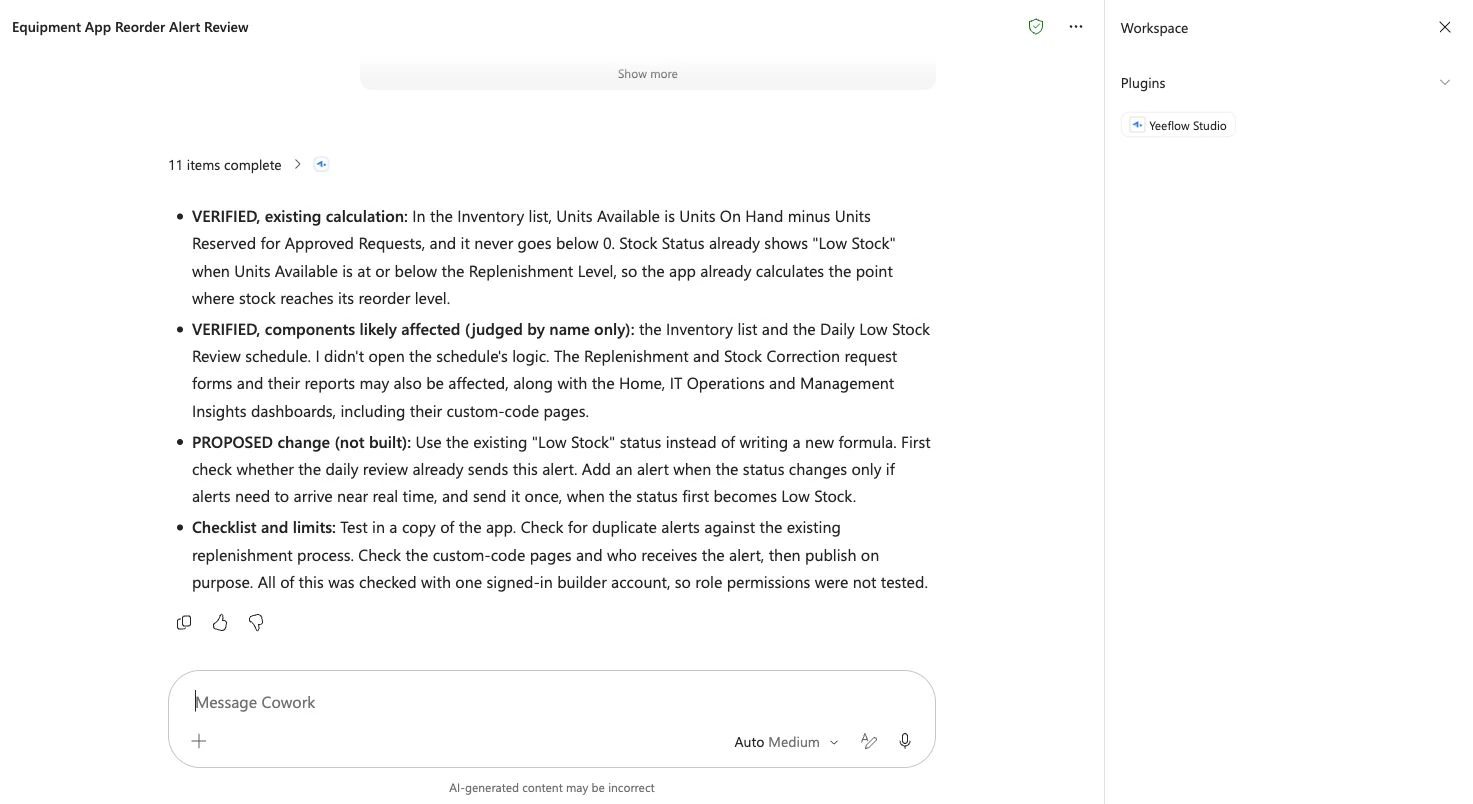
Work through a proposed change with the existing logic in view. See the assumptions, checks and open questions before implementation.
“Review our low-stock logic and propose a next step. Separate verified configuration from changes not yet built.”
Swipe the image to explore, or open it at full size.
Existing stock calculation verified. Alert change proposed, not built. Role permissions were not tested.
Open the official Marketplace listing. Check the publisher: YEEFLOW SINGAPORE PTE LTD.
Enable Studio, follow the connection flow and confirm your account and intended workspace.
Ask what was inspected. Compare important details with Yeeflow before making a change.
Access and oversight
Connecting does not grant additional application access. Live actions follow the signed-in user’s Yeeflow permissions.
Use an eligible work or school account and confirm organizational approval. Available actions depend on your environment and permissions. Yeeflow and Microsoft licensing are separate; additional purchase may be required.
Yeeflow Studio is a Copilot plugin for application-building guidance and an authenticated Yeeflow connection. Use it to plan, build and review application components.
No. Yeeflow Studio, the Yeeflow Teams app and a Copilot built inside a Yeeflow application are separate experiences.
Yes. You need an active Yeeflow account with workspace access and an eligible Microsoft 365 Copilot environment. Check deployment and licensing with your administrator.
The current guides do not confirm these runtime operations. Confirm the tools, permissions and complete scenario in your environment before relying on them.
Get started
Explore Yeeflow Studio, or talk through your use case with our team.
Screenshots show specific configuration reviews and connection states; availability and interface labels may vary.
Microsoft, Microsoft 365, and Microsoft Copilot are trademarks of the Microsoft group of companies.